When the AI agent breaks: the fallback plan before work stops
The risky AI outage is usually not the dramatic one. It is the one that makes an everyday workflow slightly unreliable: a customer draft sends twice, an OCR job retries without a receipt, the prompt registry returns the wrong version, or an agent loses context halfway through a support case.
On June 10-11, three reminders arrived at once. Mistral had active degradations in Conversations API and AI Registry Prompts API. Google Workspace Gemini returned "Something went wrong" errors for Workspace users. Claude had elevated errors on Haiku 4.5. This is not a post about one vendor being bad. It is a post about AI moving close enough to real work that even a narrow component incident now needs a local fallback plan.
A status page is not an operations plan
A status page often tells you which service has trouble. It does not tell you which of your workflows can do the wrong thing.
That distinction matters. If a chat window slows down, the user waits. If an agent is tied to customer email, internal documents, OCR, prompt versions, or follow-up tickets, the same incident can create duplicate work, lost context, or decisions based on stale data.
An AI agent is a workflow where a model can read context, choose a next step, and sometimes use tools. A component incident is a failure in one of the parts behind that workflow: the model, session layer, prompt registry, OCR, connector, web surface, database, or tool execution. You need to know which part carries which responsibility.
Three fresh signals worth taking seriously
Mistral: stateful agents need a different fallback than simple chat. Mistral's status activity showed two ongoing degradations: Conversations API from June 10 08:08 UTC and AI Registry Prompts API from June 10 20:50 UTC. The same activity page also showed short degradations for OCR API, Integrations API, AI Registry Skills API, and Chat Completions for mistral-tiny-2407. This should not be described as a general Mistral API outage. The practical point is narrower and more useful: workflows that depend on conversation state or a prompt registry must know what pauses, what queues, and what may fall back to a simpler path.
Source: Mistral AI Status activity, Conversations API Degraded, and AI Registry Prompts API Degraded
Google Workspace Gemini: an app incident is not the same as an API incident. Google reported "Something went wrong" errors for Gemini App in Workspace and Gemini Side Panel on June 10. The final update named error codes 1099 and 1076, said there was no workaround during the incident, and gave a preliminary cause: a backend database performance issue that affected retrieval of the Gemini App tools catalog. Scope matters here. In the source material for this run, AI Studio status did not show a matching Gemini API incident. For an organization, that means a Workspace flow can be broken while the developer API still looks healthy.
Source: Google Workspace Status: Gemini incident and Google AI Studio status
Claude: model reliability and agent infrastructure are different things, but they meet in daily work. Claude Status reported elevated errors on Claude Haiku 4.5 on June 10. The incident affected claude.ai, Claude API, Claude Code, and Claude Cowork, and was resolved at 17:21 UTC. On the same day, Anthropic published an architecture post for Claude Managed Agents focused on session history, isolated execution, credentials, observability, webhooks, and event logs. That is the useful lesson: production is not only about which model answers best. It is about whether a run can be traced, paused, and resumed.
Source: Claude Status: Elevated errors on Claude Haiku 4.5 and Claude Managed Agents architecture
The fallback plan: six questions before the agent works alone
Do not start with a heavy governance document. Pick one real workflow: customer follow-up, document routing, transcript summary, quote support, internal service desk, or OCR. Then answer six questions.
-
Which status component does the workflow depend on? Do not write only "Mistral", "Gemini", or "Claude". Write Conversations API, Workspace Gemini, Claude API, Claude Code, OCR API, prompt registry, connector, or web surface.
-
What is a safe symptom? Decide what the system treats as a stop signal: timeout, empty answer, error code, missing prompt version, lost session, low confidence, or repeated retries. A vague "the AI feels weird" is not enough.
-
Which steps must never retry blindly? Sending email, publishing, invoice handling, customer-data updates, and decisions that affect students, customers, or finances need a stop gate. AI can prepare the action. A person should approve when the result leaves the system.
-
What can queue idempotently? Idempotent means the same job can run again without creating a duplicate effect. A summary can often queue safely. A customer send cannot queue the same way unless you have deduplication and a receipt.
-
Which fallback is acceptable? Sometimes the fallback is a simpler model. Sometimes it is a stateless API instead of a conversation workflow. Sometimes it is a manual routine. Also write what the fallback must not do. That is where many incidents become expensive.
-
Who owns restart? Someone needs to read the status, check the logs, release the queue, and write a short note about what happened. If nobody owns restart, every incident becomes guesswork.
A simple everyday example
Imagine a workflow where AI reads a meeting transcript, suggests follow-up, finds customer names in the CRM, and prepares an email.
If transcript analysis fails, the job can queue. If the CRM connector fails, the agent must not guess customer names. If the email step fails, nothing should send again without a receipt. If the prompt registry does not respond, the workflow should use a known version or pause. If the whole conversation state looks broken, a person should see the last safe log before work continues.
That sounds less impressive than "the agent handles everything." Good. That is the point. Real workflows do not improve when AI has more confidence than the operations plan can support.
Where Hammer usually starts
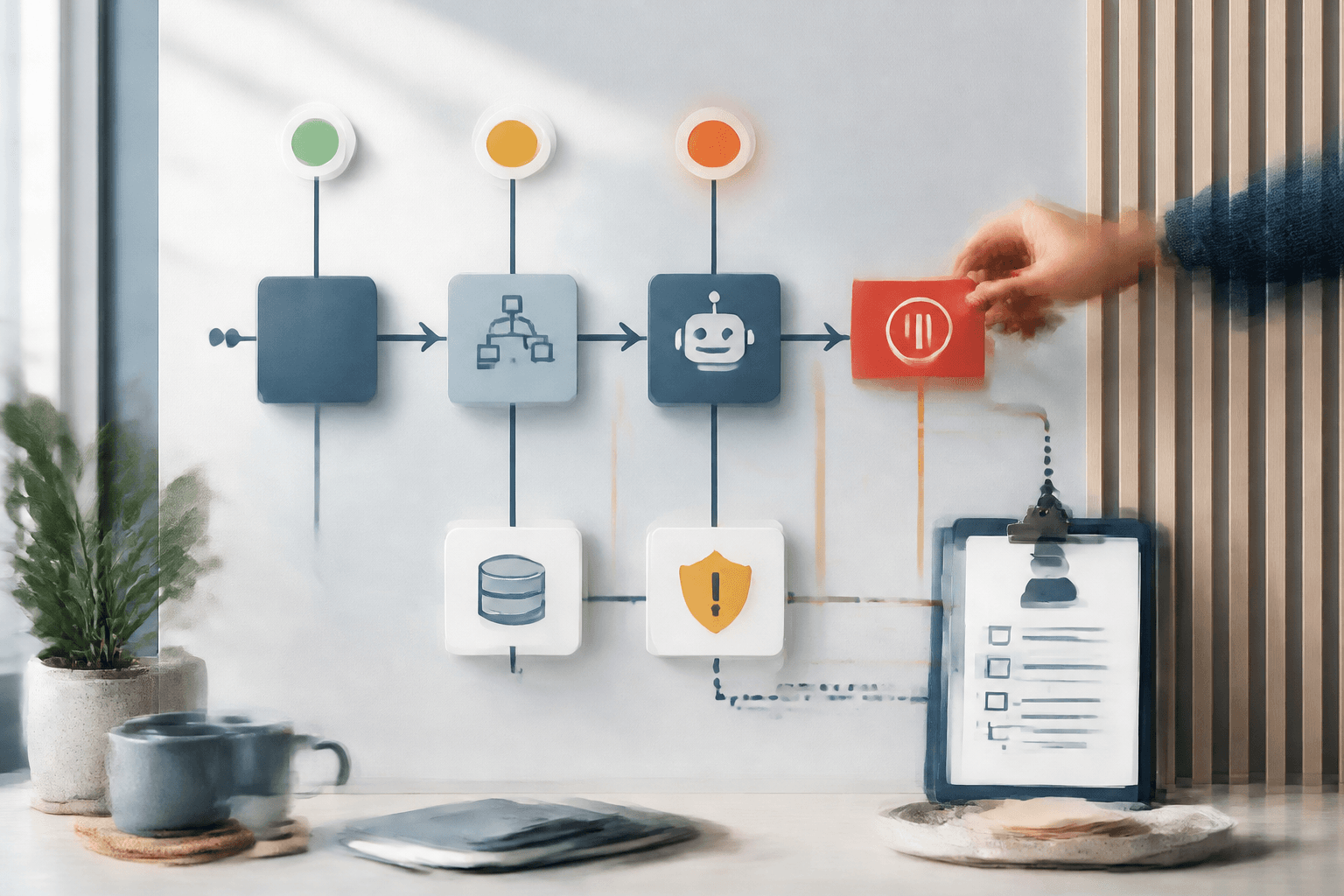
For Hammer customers, this is usually Tool Forge work. Not another demo, but a map of the workflow: status components, logs, owners, stop rules, fallback, and which outputs need approval.
If you already use AI in customer replies, documents, internal support, or analysis, start small. Choose one workflow that would hurt if it ran incorrectly for two hours. Draw the components. Write the stop condition. Decide who restarts it. Then automate more.
FAQ
Is an AI status page enough for operations?
No. It is a signal. You still need to know which component your workflow uses, what pauses, what queues, and who approves restart.
When should an AI workflow stop?
Stop it when it can create duplicate sends, wrong customer data, lost context, uncontrolled retries, or decisions without human review.
What is a good fallback for agent workflows?
A good fallback is bounded: use a known prompt version, switch to a simpler API where safe, queue idempotent work, and surface human review when the workflow can have external effects.
Which AI workflows need a fallback plan first?
Start with workflows touching customer contact, finance, student or staff data, publishing, document routing, OCR, or any system where AI can write back to another tool.
The Forge newsletter
Get new articles in your inbox
Pick the topics you care about. No noise, at most one email a week.
We follow GDPR. Unsubscribe anytime.