Stop letting AI ideas die in chat

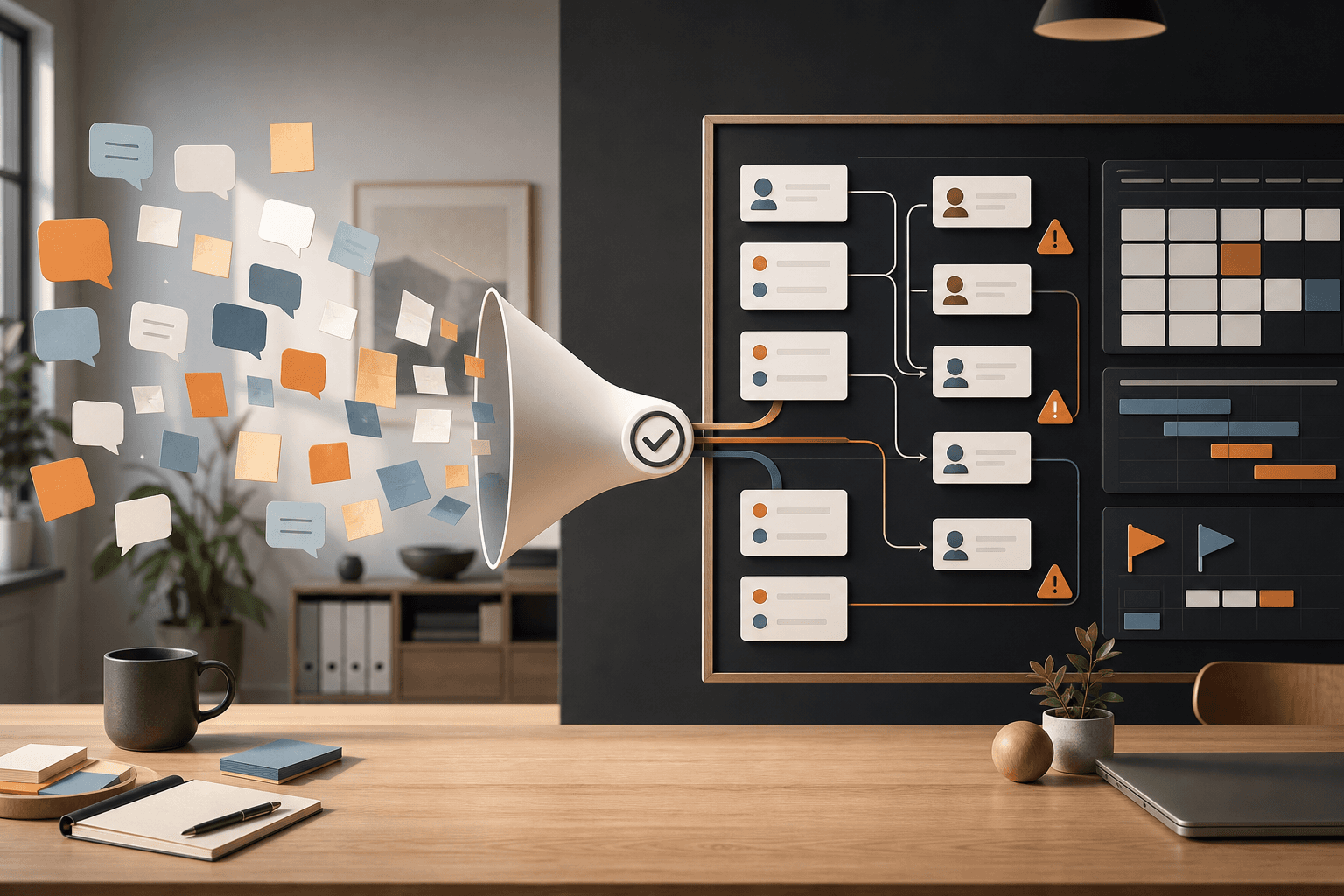
An AI chat can feel like a breakthrough. You have a plan, a campaign idea, a list of next steps, and maybe a neat draft customer email. Then the usual thing happens: nothing lands with the right person, no deadline is set, and three days later the plan is still sitting in a tab somebody already closed.
That is where today's AI signal becomes practical. Asana's Spring 2026 Release is not about yet another smarter chat box. It is about the gap between individual AI help and work that actually moves through a team. Asana says it plainly: many teams already use AI, but organizational productivity does not automatically follow. That line fits the daily reality of small organizations. AI helps one person think faster, but the work still needs owners, order, decisions, and follow-up.
Source: Asana Spring 2026 Release: Get more done, faster with AI that works with your entire team
Today's signal: the AI chat becomes a work order
Asana highlights three parts in its spring release: AI Teammates, AI Studio, and AI Connectors. AI Teammates is Asana's name for AI agents that work inside projects and workflows, not only in a separate chat. AI Studio is a no-code builder for AI-supported workflows. The connector piece links Asana with tools such as ChatGPT, Claude, and Gemini so a conversation can become a structured project with tasks, owners, status, and risks.
An AI agent is a system that can interpret a goal, plan several steps and help execute or coordinate the work. The point is not to let the agent run loose. The useful part is making it work where tasks are already tracked, with visible owners and clear stopping points.
Source: Asana AI Teammates
This can sound like project-management language. Think smaller. Think Tuesday morning. A school administrator has brainstormed an information page for spring parent meetings in ChatGPT. A consultant has used AI to structure a client proposal. A shop owner has asked Claude to sort ideas for a local campaign. In all three cases, the value is not the chat answer. The value appears when someone knows what should happen next, who approves it, what is missing and when it needs to be done.
The problem is not the ideas. It is the handoff.
Small teams rarely lose speed because they lack ideas. They lose speed because the ideas do not get a good handoff.
An AI chat is often full of half-decisions. "We should update the website." "This could become a newsletter." "Check whether the supplier has the right price list." Those lines may be useful. None of them is a work order.
A work order needs five things:
- Outcome: what should exist when the work is done?
- Owner: who drives the next step?
- Evidence: which file, link, policy, or customer question is the task based on?
- Decision point: what may AI or the person do directly, and what needs approval?
- Trace: where can we see status, changes and why something happened?
This is also why Asana's links to ChatGPT, Claude, and Gemini matter. Asana describes how a plan from ChatGPT can become a live project with tasks, owners, and structure. In the Claude integration, the message is similar: AI should reduce administrative follow-up, not create more copying between tabs. Google Workspace Marketplace describes the Asana integration for Gemini as a way to turn email, documents, and meeting outcomes into actions.
Source: Asana app in ChatGPT: go from ideas to action
Source: Asana app in Claude
Source: Asana Integration on Google Workspace Marketplace
Try this week: build a chat-to-work-order routine
You do not need Asana to test the habit. Trello, Notion, Google Sheets, Microsoft Planner, Airtable or a shared document can work. The tool is not the main point. The main point is that the AI conversation cannot be the final destination.
Choose one recurring piece of work where AI already helps a little, but follow-up often gets messy. Good candidates include customer requests, quotes, newsletters, campaigns, lesson planning, purchasing lists, policy updates or meeting follow-ups.
Then run this 40-minute routine.
Minute 0-10: pick a real example
Take one AI chat from the past week. Not the best one. Pick a normal, slightly messy chat where you asked for a plan, text, list, analysis, or summary.
Minute 10-20: turn the answer into work cards
Create three to seven tasks. Each task should start with a verb: write, check, call, publish, approve, compare, book. If the task cannot be started within two minutes, it is too large.
Minute 20-30: add stopping points
Mark which tasks AI may help with directly and which require human review. Examples: AI may suggest subject lines, but a person approves the email before it goes out. AI may compare supplier prices, but someone checks the contract before ordering. AI may summarize a meeting, but participants correct the decision points.
Minute 30-40: save the receipt
Add a short source line to each work card: which chat, file, customer question or meeting note did the task come from? That makes the work easier to review later. It also makes AI more useful next time, because you can show it what a good handoff looks like.
Copy the prompt: turn an AI chat into trackable work
Use this prompt right after an AI brainstorm, a meeting or a longer analysis. Replace the bracketed parts.
You are my practical coordinator. Turn the material below into a work order for a small team.

Goal: [what we are trying to get done]
Material: [paste the AI answer, meeting note, customer question or idea]
Team and roles: [names or roles]
Tool where the work will be tracked: [Asana/Trello/Notion/Google Sheet/Planner/other]
Deadline or pace: [date or "this week"]

Create:
1. A short summary, maximum five lines.
2. 3-7 concrete work cards with title, owner, first step and done criterion.
3. A decision box for every card: "AI can help with", "human must approve", "evidence needed".
4. A risk list with anything likely to get stuck.
5. A status update I can paste to the team.

Write simply. If something is missing, do not assume. Write "missing" and suggest the smallest question we need to answer.
The last paragraph matters. AI should not fill in owners, prices, customer promises or privacy levels just to make the plan look complete. An empty field is better than a made-up decision.
Integrate safely without slowing everything down
When AI starts creating or updating tasks in real systems, the integration needs to be practical, not dramatic. Start with read access or one bounded project. Do not give an integration access to the whole organization if it only needs to handle one campaign or one class activity.
Good baseline rules:
- Use role-based permissions and let only the right people connect apps.
- Put API keys and tokens in environment variables or a secret manager, not in chats or documents.
- Use separate, scoped keys for testing and production.
- Add approval gates for external sends, purchases, invoices and customer-data changes.
- Keep run logs: who asked AI to do something, what evidence was used and what changed?
- Redact sensitive fields in test material when you do not need them.
Asana AI Studio emphasizes visibility into AI decisions and AI working where teams already work. That is the right direction for small organizations too. Integration should not mean "everything is automatic". It should mean the right steps become easier to follow and review.
Source: Asana AI Studio
What good looks like after one week
After one week, do not measure whether AI felt impressive. Measure whether the work became easier to follow.
Good signs:
- Fewer AI plans sit around as loose chats.
- More tasks have owners and done criteria.
- The team sees faster what is waiting for approval.
- It becomes easier to say no to oversized or unclear tasks.
- The next AI prompt gets better because you have examples of good work cards.
This is also a useful test before a bigger integration. If the team cannot make one chat-to-work-order routine work, more connections will rarely solve the problem. If the routine works manually, then it makes sense to automate parts of it.
Where Hammer fits in
This is typical Tool Forge work when you want to connect AI to Asana, Google Workspace, Notion, Airtable or your own CRM. But it often starts in Mindset Forge: which decisions people should still own, which work cards AI may create, and where the receipt should be saved.
For schools and small teams, Skill Forge is the next step when the routine needs to become a habit. That means short exercises, templates and practical rules that let more than one enthusiast use the workflow.
Start small. Take one chat from last week. Turn it into five work cards. If the team actually uses the cards, you have found something more valuable than another AI demo: you have found a way of working.
FAQ
What does AI Connector mean?
An AI Connector is a link between an AI tool and a work tool, for example ChatGPT to Asana. It lets AI retrieve or create work information according to the permissions that have been set up.
Do we have to use Asana?
No. Asana's release is today's signal, but the routine works in any tool where you can track tasks, owners, deadlines, and status.
What should we not automate first?
Do not start with external sends, payments, contracts, or changes to sensitive customer data. First build the routine for how AI suggests, humans approve, and the system keeps a trace.
The Forge newsletter
Get new articles in your inbox
Pick the topics you care about. No noise, at most one email a week.
We follow GDPR. Unsubscribe anytime.


