OpenAI Codex release notes: alpha adds reusable /presets
Part of the series: OpenAI Codex release notes
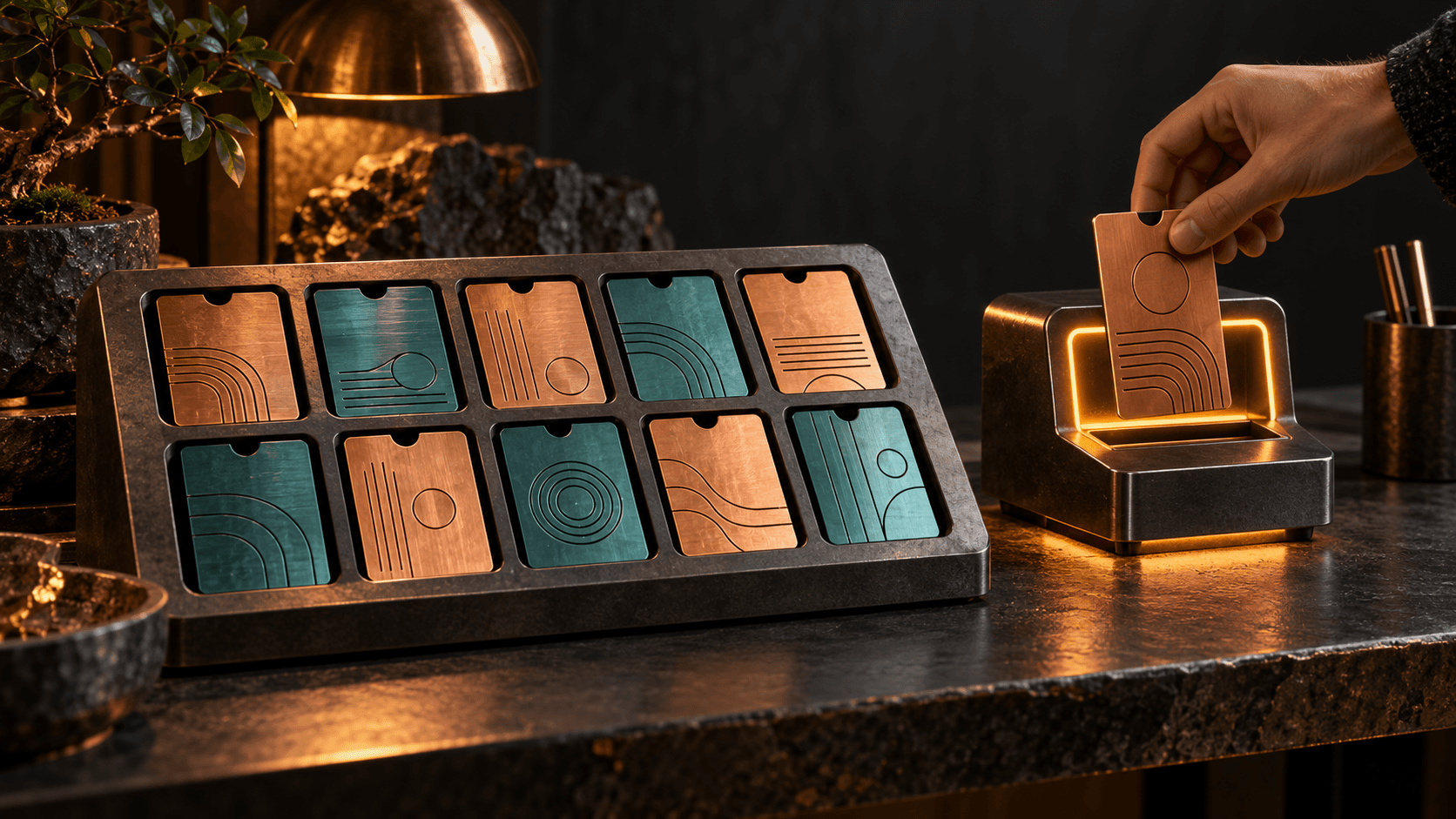
OpenAI Codex CLI adds /presets in prerelease 0.164.0-alpha.6. The feature saves reusable prompts and slash commands in ten slots. Codex CLI is OpenAI's terminal-based coding agent. When checked on October 20, the npm alpha channel points to this version, while latest remains at 0.163.0.
Sources: OpenAI: release 0.164.0-alpha.6. npm: Codex package metadata.
OpenAI Codex release notes: save prompts with /presets
The menu appears above the input field. Slots are numbered from 0 to 9. You can save text from the input field or start from your current model, reasoning effort, and speed settings. Running a saved input sends it through the normal submission queue while preserving your draft.
Codex stores entries under tui.presets in the user configuration. Each entry has an input and an optional label. Blank inputs, shell commands starting with !, and inputs exceeding 8,000 UTF-8 bytes are rejected.
Sources: OpenAI: reusable prompts and slash commands. OpenAI: input preset configuration.
Human step: open and select a saved instruction
In the current alpha's terminal interface, type /presets. Press 0–9 to run a saved entry or create one in an empty slot. The menu uses n to create, s to start from current settings, e to edit, and d to delete. These are your interface actions, not instructions for the agent.
Source: OpenAI: keyboard shortcut menu for presets.
Short example: use the new Codex feature
Save this prompt through the menu for a recurring review:
Review my current code changes. List concrete bugs with file references and suggest a test for each bug. Do not change any files.
- The saved entry reuses the same review instruction.
- The result addresses current code changes, not an earlier review.
- The agent leaves files unchanged and links each finding to a file.
The Forge newsletter
Get new articles in your inbox
Pick the topics you care about. No noise, at most one email a week.
We follow GDPR. Unsubscribe anytime.