OpenAI Codex release notes: /cd switches projects in the same chat
Part of the series: OpenAI Codex release notes

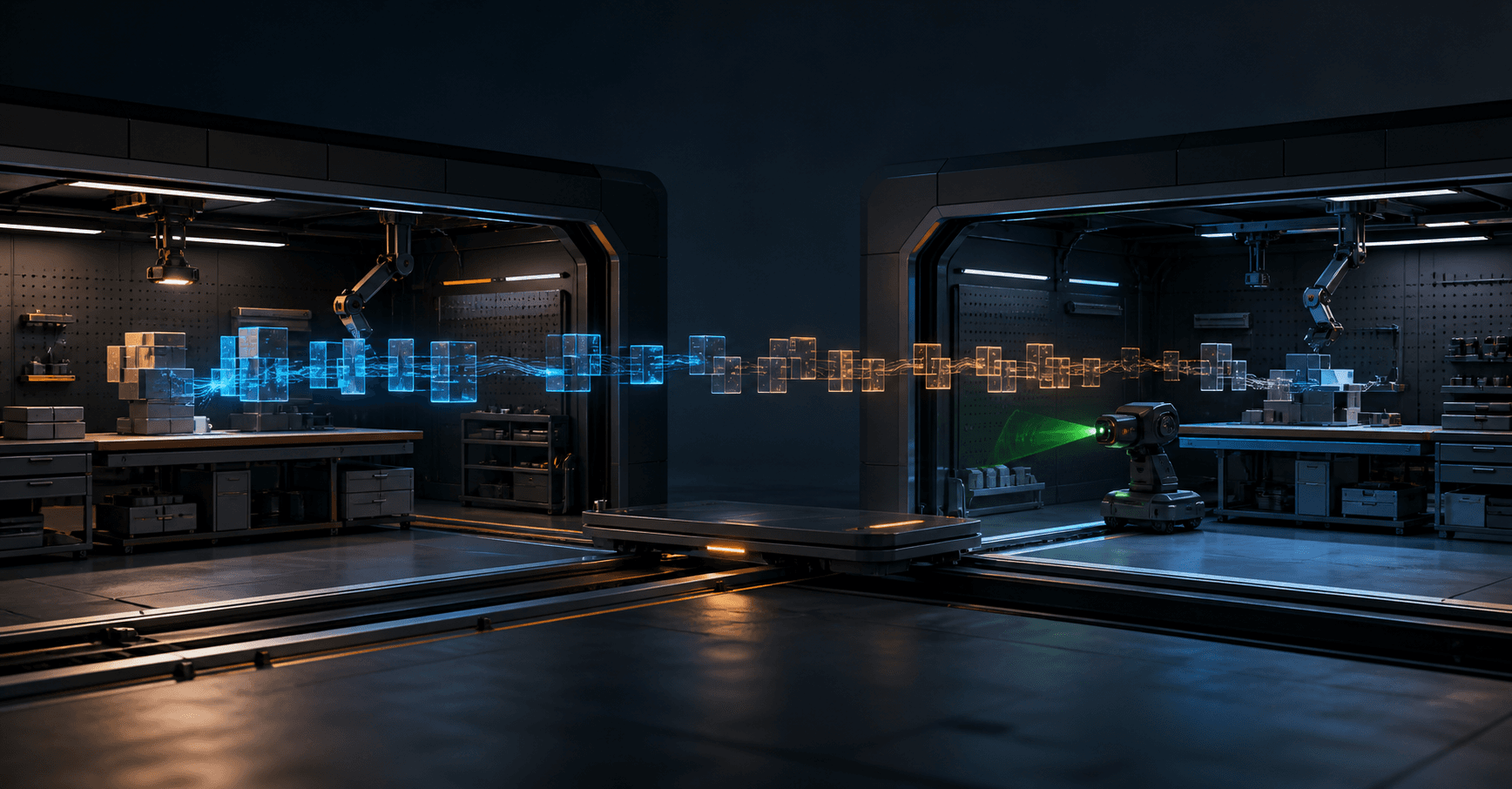
OpenAI Codex CLI can now switch project directories inside an active chat. In alpha version 0.148.0-alpha.21, use /cd <path> in the terminal UI. The conversation stays in place, while subsequent turns, tools and prompts use the new directory.
Codex CLI is OpenAI Codex's command-line tool and terminal interface for agentic coding.
OpenAI Codex release notes: how /cd works
Run /cd ../another-project while no task is active. The path must exist and point to a directory. Relative paths resolve from the current working directory. The command does not expand shell shortcuts such as ~ or environment variables, so use an absolute path when needed.
After the switch, Codex reloads project configuration, instructions, skills, plugins, keyboard mappings, file search, hooks and approval roots. /pwd shows the active working directory. You can continue the same line of reasoning without Codex carrying the previous project's local rules into the next turn.
Source: OpenAI Codex PR #38894: Add /cd slash command to change working directory.
Codex doctor checks more of the local environment
The same alpha window expands codex doctor, Codex's built-in diagnostic command. Its report checks the installation, configuration, authentication, terminal, local storage, endpoint protection and reachability of the configured model provider. The checks do not attempt repairs. --summary produces a short report, while --json produces a redacted machine-readable report.
Source: OpenAI Codex PR #38795: doctor: add endpoint security checks.
Source: OpenAI Codex PR #38827: add OS/WSL storage checks.
Source: OpenAI Codex PR #38918: test configured provider endpoint.
Availability in Codex CLI 0.148 alpha
The changes are available in npm package @openai/codex version 0.148.0-alpha.21, which was on npm's alpha tag on August 18, 2026. The stable latest tag remained on 0.147.0. Treat these commands as alpha features until they reach a stable release.
Source: OpenAI Codex 0.148.0-alpha.21 on GitHub.
Source: npm registry metadata for @openai/codex.
Short example: use the new Codex feature
Human step in the Codex terminal UI:
/cd ../another-project
/pwd
Then send this prompt to the agent:
Verify the active project context. Read the project's instructions and configuration, then report which repository, instruction files, skills, hooks and approval rules are now in scope. Do not modify files.
A good response should:
- Name the new project directory and repository.
- Cite the instructions and settings it actually found.
- Distinguish active rules from missing items.
- Confirm that it changed no files.
For a quick environment check afterward, run this as a separate human terminal step:
codex doctor --summary
FAQ
Is /cd available in the stable Codex CLI release?
Not on the stable npm tag when this article was published. /cd and the expanded doctor checks are in 0.148.0-alpha.21, while latest remained on 0.147.0 on August 18, 2026.
Does /cd start a new Codex chat?
No. The command keeps the active chat, while subsequent turns and tools use the new working directory. Codex also reloads the project's local configuration and instructions.
The Forge newsletter
Get new articles in your inbox
Pick the topics you care about. No noise, at most one email a week.
We follow GDPR. Unsubscribe anytime.