Workspace Studio: follow up onboarding after three days

The welcome email goes out, but checking in with the new colleague becomes another calendar reminder. Google Workspace Studio now has a Wait until step that lets the same automated flow pause and then continue. It suits an onboarding flow where you want to give someone a few days to settle in before the next check-in.
Google began rolling out the step on November 9, with visibility expected within one to three days for both Rapid Release and Scheduled Release. Here is a suggested routine for a team already using Studio to onboard employees.
Source: Google Workspace: the Wait until launch.
Put the wait before the follow-up
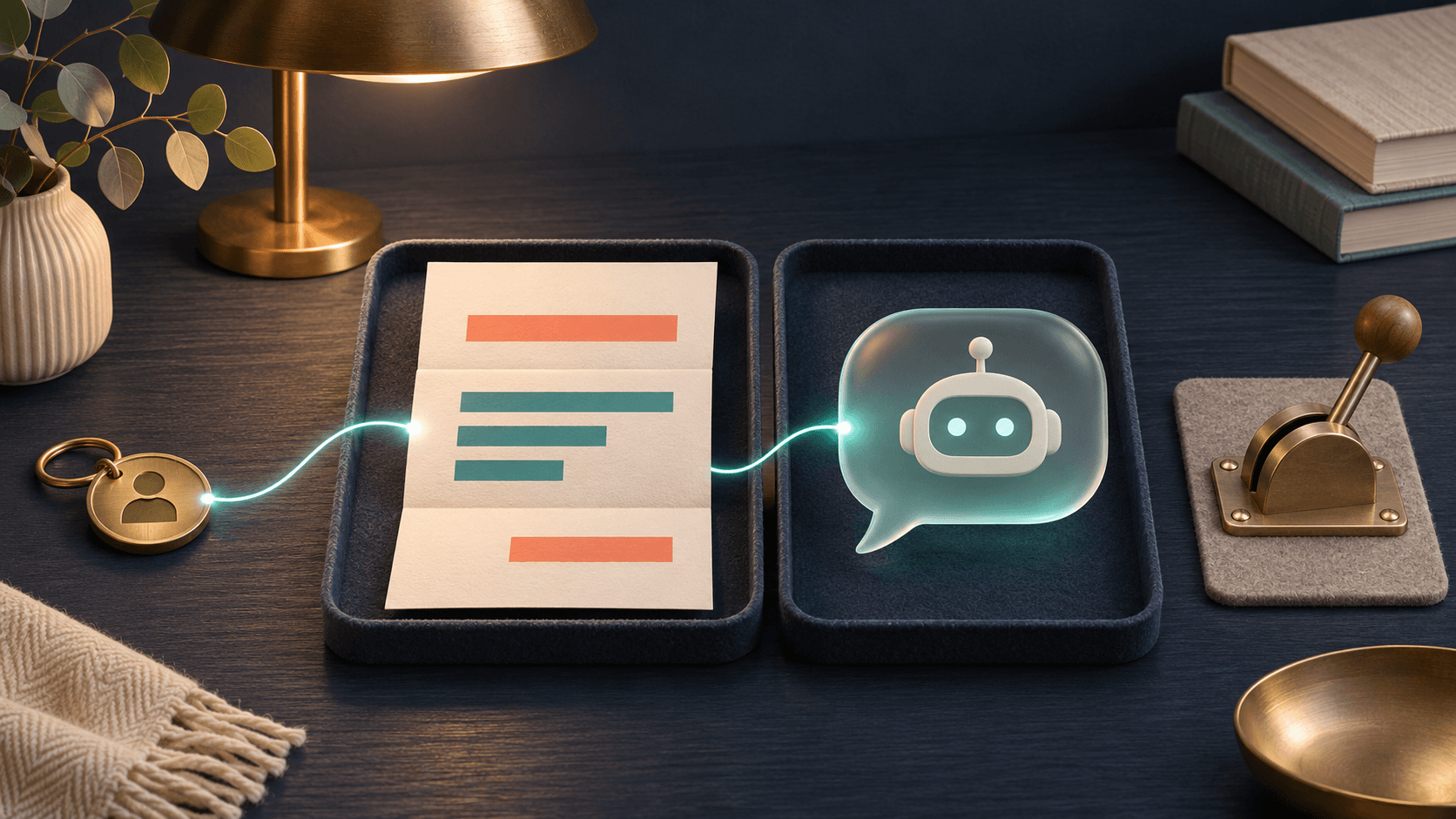
A flow is a sequence of automated steps. Google's own example starts with a new row in a Sheets onboarding tracker, sends a welcome email, waits three days, then sends a Google Chat message. The wait step controls timing. Any AI processing of onboarding material belongs in other steps of the flow.
Our version sends the follow-up to the colleague responsible for onboarding, who checks what the new hire still needs help with. Start with an existing onboarding flow that already works. Check the recipient in the message step before enabling the flow.
Source for the feature and example: Workspace Studio Help: Wait until.
Checklist: a check-in after three days
Make these settings yourself in Studio. The menu names below follow Google's English documentation.
- Decide what the follow-up should achieve: the responsible colleague should check access, questions, and the next onboarding activity. Include a link to the current onboarding tracker in the reminder.
- Add Wait until after the welcome step and before the follow-up message. Choose Specific day and time.
- Set Days to wait to 3 and Time of day to 09:00. Choose the time zone for the person receiving the reminder. Check it even if the account already has a default time zone.
- Review the recipient and message. A useful reminder is: "Check in with [name] about onboarding. Open [onboarding tracker] and check what remains before arranging the next activity." Replace the placeholders with the intended details from your flow.
- Try it first with an internal test recipient and Set duration set to a few minutes. Check that the message waits and reaches the right person when the flow continues. Then restore the intended three-day setting.
- Open Activity during the first real run. Check the scheduled time and time zone. Afterward, the log should show when the flow resumed; check the actual message too.
Sources: Google Help: wait settings. Google Workspace: timestamps and time zones in Activity.
Choose the working day deliberately
Three days is different from three working days. If the check-in should always happen on Monday, choose Specific day next week, Monday, a time, and a time zone instead. The documentation describes no working-day calendar in the wait step.
Specific day and time supports 0–13 days ahead. Set duration uses hours, minutes, or seconds, and a flow can wait for a maximum of 14 days. Longer onboarding periods need a different scheduling approach.
Source: Workspace Studio Help: wait modes and limits.
Google lists Business Starter, Standard, and Plus and Enterprise Standard and Plus among eligible editions. Education editions and certain add-ons are also listed. Check that the step appears in your account before replacing an existing reminder routine. Once the first run works, save the checklist with the flow so the next owner can make the same checks.
Source: Google Workspace: availability and rollout.
The Forge newsletter
Get new articles in your inbox
Pick the topics you care about. No noise, at most one email a week.
We follow GDPR. Unsubscribe anytime.