When AI breaks: build a status board that shows what is affected

The worst part of an AI incident is rarely that a model misbehaves for a few minutes. The worst part is when nobody knows whether it affects today's customer promise, an internal report, a school session, a quote, or just a test prompt that can wait.
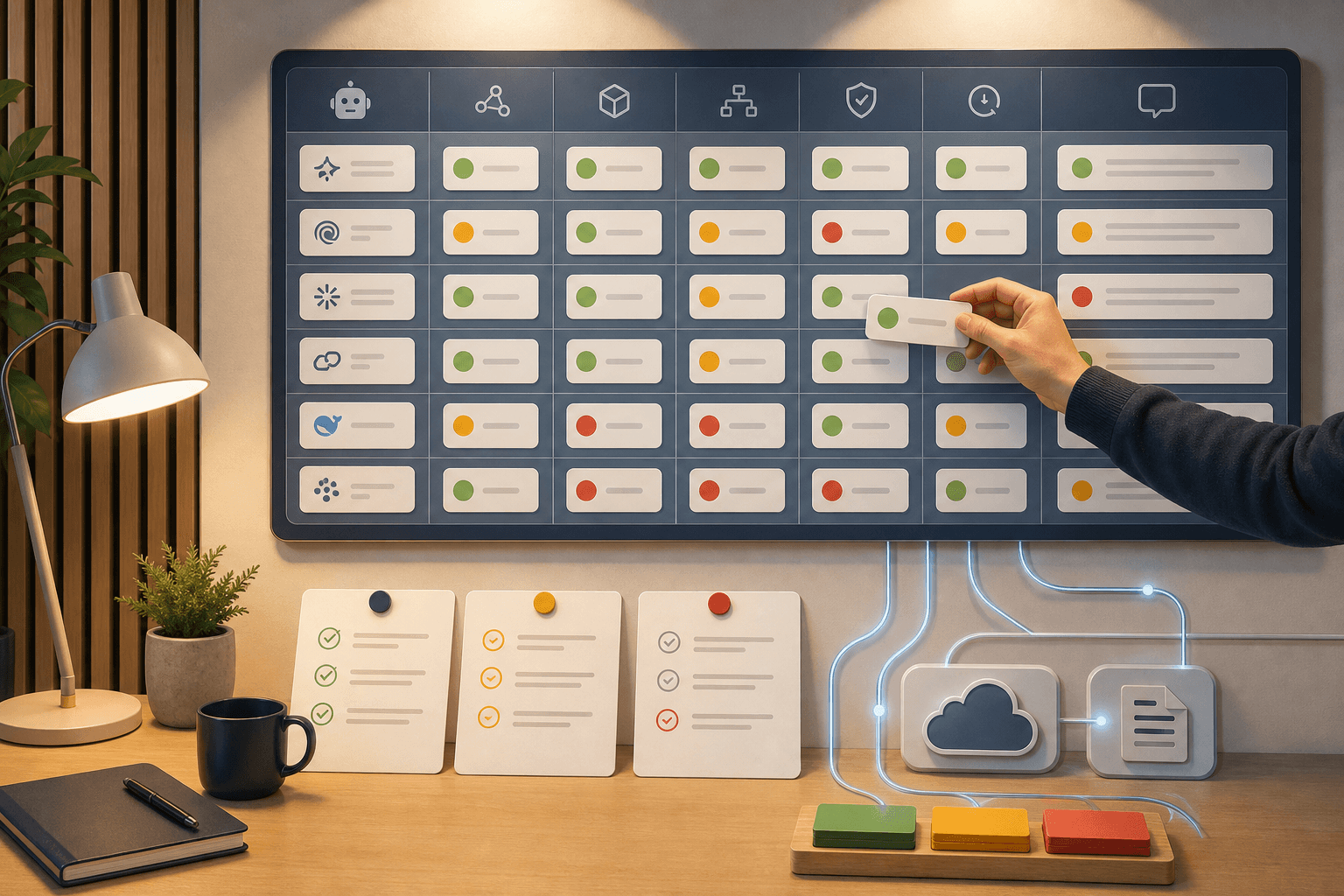
That is why more organizations need a simple AI status board. Not a giant control room. One place where you can quickly see: which vendor is having trouble, which part of the service is affected, which workflow on our side is touched, and who decides the next step?
The status page is no longer enough
The last few days show why. OpenAI had two resolved ChatGPT incidents on May 21: one for paid ChatGPT plans and one for ChatGPT 5.5 Thinking. That tells you something, but not everything. If you use ChatGPT in a customer-facing workflow, you need to know whether the issue touches your plan, your model, and the exact task waiting in the queue.
Source: OpenAI Status, ChatGPT paid plans
Source: OpenAI Status, ChatGPT 5.5 Thinking
Claude showed the same point in a different way. On May 21 there was a resolved Claude.ai incident. On the morning of May 22, Claude's status feed showed an ongoing model incident involving Opus 4.7, Sonnet 4.6, and Haiku 4.5, and the page listed impact across claude.ai, Console, API, Claude Code, and Claude Cowork. That is not the same as "Claude is down". It is a map of which routes may be unsafe.
Source: Claude Status, Claude.ai incident
Source: Claude Status, multiple model incident
Mistral's status activity is even more component-specific. On May 21 it listed short resolved events for Conversations API, OCR API, and Integrations API connectors such as document_library and deepwiki. For an organization using AI for document interpretation, case history, or internal knowledge bases, those are very different problems.
Source: Mistral AI Status activity
An AI status board should answer a practical question
The question is not "which vendor had an incident?". That question is too rough.
The practical question is: do we wait, retry, switch tools, pause a workflow, or tell someone?
Build the board around the decision, not just the news:
- Vendor and service: OpenAI ChatGPT, Claude API, Mistral OCR API, Gemini API, Manus, or Perplexity.
- Affected part: model, app, API, connector, file upload, web search, coding agent, or admin console.
- Our workflow: customer reply, quote draft, weekly report, document interpretation, lesson planning, code review, CRM update.
- Owner: the person allowed to say "we wait", "we switch route", or "we send an explanation".
- Fallback: another model, manual run, later retry, frozen delivery, or prepared customer wording.
- Retry window: when you test again and who closes the incident internally.
- SOP effect: does the routine need an update, or was this only a note?
A spreadsheet, a Notion page, or a small Trello list is often enough. The tool is not the point. The point is to stop guessing while someone is waiting for an answer.
Add "no incident" as evidence too
This sounds almost too basic, but it matters: a quiet status page is also data.
Manus and Perplexity had no reported incidents in the checked status feeds when today's research was done. That does not mean every user had a perfect experience. It does mean you should not blame a failed workflow on them without more evidence. Maybe the prompt failed. Maybe permissions were wrong. Maybe a local integration broke. Maybe the file was the problem.
Source: Manus Status
Source: Perplexity Status
The same applies when Google AI Studio and Gemini API show a specific infrastructure incident. The board should say "AI Studio / Gemini API" and the affected workflow, not just "Google had problems". That difference makes troubleshooting faster and communication less dramatic.
Source: Google AI Studio Status
Use the board without creating more admin work
Keep it small first. One row per event. One owner. One decision.
Start with three workflows where AI trouble would actually matter:
- A customer-facing flow, such as reply suggestions, support drafts, or quote material.
- An internal deadline flow, such as a weekly report, invoice check, or document review.
- A knowledge flow, such as document search, OCR, training material, or an internal FAQ.
Then write what happens when each flow gets a red or yellow light. Not in perfect legal language. Just concrete enough that a colleague can act at 16:40 on a Thursday.
Examples:
- If ChatGPT 5.5 Thinking is slow: use a simpler model for drafts, but wait before making the final judgment.
- If OCR API is degraded: stop the document flow and say the material is being reviewed manually.
- If a connector is affected: do not let AI answer with stale or half-retrieved information.
- If no status page shows a problem: check permissions, prompt, file format, and local integration before escalating.
Where Hammer usually comes in
This is typical Tool Forge work: not chasing every AI headline, but making the workflow safer once AI is already part of everyday operations.
If an AI flow touches customer promises, money, education, internal reporting, or cases people are waiting for, it deserves a routing rule. Start with a board your team can actually keep updated. Once that works, parts of it can be automated: status monitoring, Slack alerts, retry rules, customer wording, and SOP updates.
A good AI status board does not make the organization immune to outages. It does something more realistic: it makes the next decision clear.
The Forge newsletter
Get new articles in your inbox
Pick the topics you care about. No noise, at most one email a week.
We follow GDPR. Unsubscribe anytime.


