Let Slack sort the week before the meeting starts

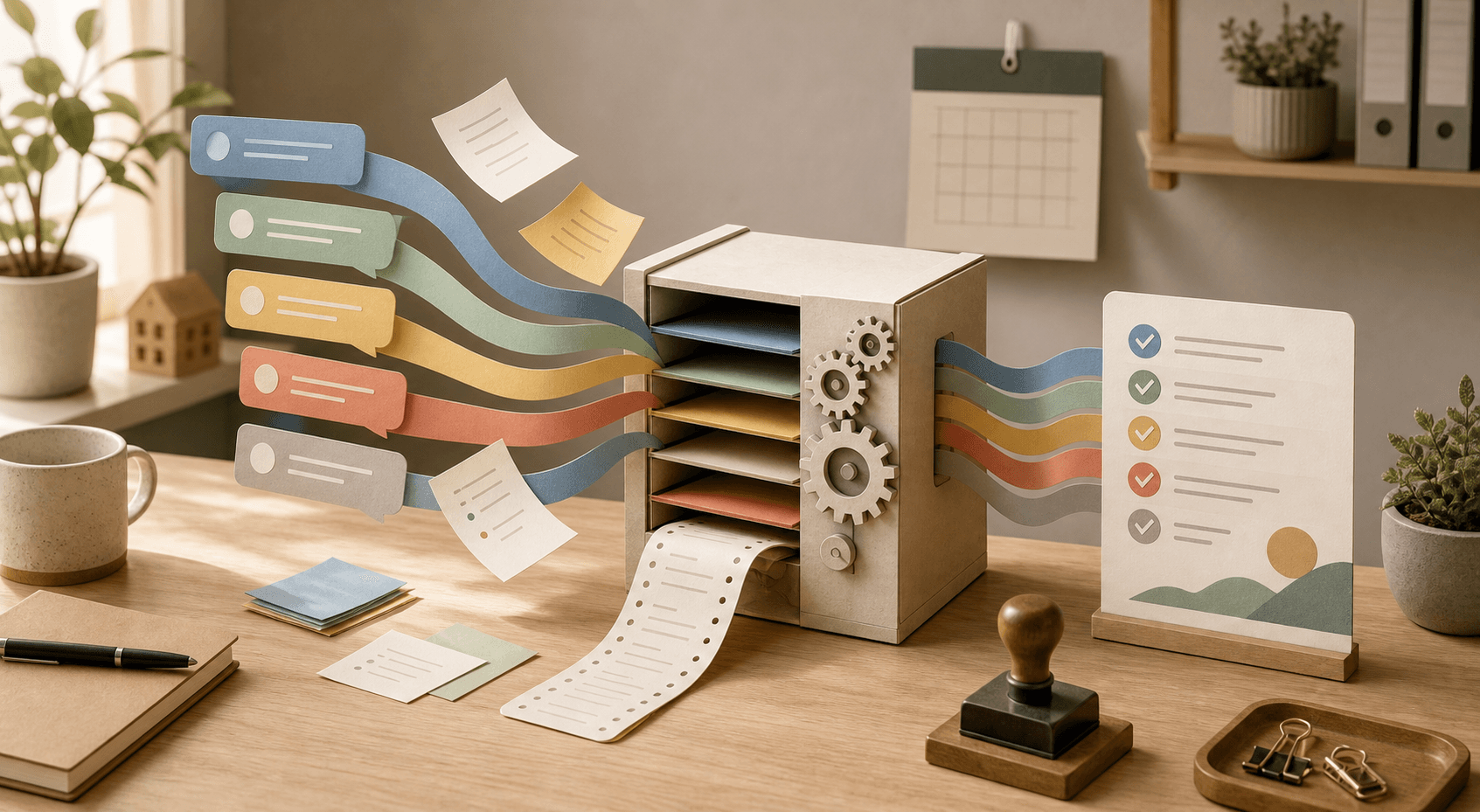
It is Friday morning. Someone asks, "What actually happened this week?" Then the hunt starts.
A customer question sits in one thread. A decision was mentioned in a channel. A teacher wrote a follow-up somewhere else. Someone already cleared the blocker, but nobody moved it into the meeting notes.
This is a good job for AI. Not to replace the meeting. To clear the table before the meeting starts.
Slack has added an AI step in Workflow Builder called Generate AI response. Workflow Builder is Slack's no-code tool for recurring routines: when something happens, or at a set time, a sequence of steps runs. The new AI step can summarize, translate, classify, extract action items, and draft responses from selected Slack sources such as channels, canvases, lists, files, and data from earlier workflow steps.
Source: Smarter Workflows, No Code Required: Introducing New AI Steps in Workflow Builder, Slack.
That sounds big, but small teams do not need to start big. Start with one thing: ask Slack to sort the week before a short meeting.
Why a weekly sort beats another AI chat
A lot of AI trials get stuck in a tab next to the work. You copy in a few messages, get a decent summary, and copy it back somewhere else. It works once. Then people forget.
A workflow is different. It runs the same way every week. Same sources. Same format. The same place where the result lands. That makes AI less magical and more useful.
For a small business, this can be the difference between "we should follow up on that" and a list of three specific things someone actually handles.
For a school, it can turn loose observations into a weekly picture: which students or groups may need support, which parent questions keep coming back, which assignments need clearer instructions.
For a solo consultant, it can stop Monday morning from becoming a replay of last week's channel history.
Slack points to exactly this kind of work: project updates, threads, documents and recurring summaries where people otherwise spend time interpreting and packaging information by hand.
Source: AI That Actually Works for You, Slack.
A useful AI step has a narrower job than you think
The tempting prompt is: "Summarize everything important."
It is also a pretty weak prompt.
It asks AI to guess what important means. In a team with support, sales, delivery, and admin work in the same Slack, "important" can mean five different things.
Write a narrower job instead:
- which channels or files the AI may use
- which period it should review
- which headings the answer must follow
- what it must not do
- who reviews the output before anything is sent onward
That last part is worth spelling out. The AI step should not become the new manager of the week. It should become the fast colleague who prepares the notes.
45 minutes: build a weekly sort in Slack
Choose one team flow. Not the whole company.
Good first candidates:
- an internal channel for customer questions
- a project channel for delivery work
- a school channel for class or course follow-up
- a channel where bookings, cancellations and practical questions land
Then do this.
Minute 0-10: choose the sources. Decide which Slack channels, canvases, lists, or files may ground the summary. Two good sources beat seven messy ones.
Minute 10-20: write the template. Decide which headings the weekly sort should always include. For example: decisions, open questions, customers/students needing follow-up, blockers, things worth celebrating, suggested next steps.
Minute 20-30: add the AI step. In Workflow Builder, choose Generate AI response, write the prompt and connect the sources the AI may use. Slack says the step can use channels, canvases, lists, files, and variables from earlier workflow steps.
Minute 30-40: preview it. Use preview mode before publishing. Do not only look for polished writing. Look for gaps: missing owners, old decisions mixed in, tone that sounds too certain.
Minute 40-45: choose the stop point. Decide where the answer lands and who approves the next move. At first, it is often enough to post the result in an internal channel such as #weekly-planning or #friday-review.
Copy this prompt: weekly sort before the meeting
Use this as a starting point in the AI step and adjust the brackets.
You are the meeting preparer for [team/class/business area].

Use only the Slack sources connected to this workflow: [channels/canvases/lists/files]. Review the period [date range].

Write a short weekly sort in English for [the meeting/planning session/check-in]. Use exactly these headings:

1. Decisions that seem to be already made
2. Open questions that need an answer
3. People, customers, students or cases that need follow-up
4. Blockers or risks
5. Suggested next three steps

Rules:
- Keep it short. Maximum two sentences per point.
- If you are unsure, mark the line "Needs checking".
- Do not invent owners, dates or decisions.
- Do not include sensitive details that are not needed for the meeting.
- End with one line: "Human review needed: [yes/no]" and explain why.
That prompt is not perfect. That is the point. It is easy to read, easy to edit and easy to spot when it fails.
Three small flows worth testing
Restaurant or shop: the week's customer friction. Let the workflow read a channel where staff note recurring questions, cancellations, waiting times or product problems. On Friday morning, the owner gets a short list: what annoyed customers most, what can change next week, what needs a response template?
School or training provider: teaching radar. Let a teacher or administrator collect recurring questions, assignment issues and attendance observations in one agreed channel. The AI step prepares the planning meeting: what needs clearer instructions, which groups may need extra support, which parent questions are returning?
Consultant, agency or trades business: delivery status. Let the project channel become the source for a weekly view. The AI step sorts decisions, open customer questions and items waiting for approval. It does not do project management for you. It stops you from starting with a blank page.
Integrate safely without making the workflow toothless
AI in Slack is useful because it can work with workplace context. That means the control model needs to be clear, not timid.
Slack says AI in Slack only surfaces data a user is already permissioned to access. Customer data is not used to train generative AI models, and admins can control who may build AI workflows and what data those workflows may access.
Source: AI That Actually Works for You, Slack.
For a small team, that means:
- start with read access, not write access to external systems
- use separate API keys if the workflow later connects to CRM, calendar or ticketing tools
- keep keys in environment variables or a secret manager, not in the prompt
- let AI suggest replies, but require a human approval before a customer or parent receives them
- redact personal data that is not needed in the summary
- keep a simple run log: date, sources, reviewer, what changed
That is close to how Hammer Automation usually handles Tool Forge work: first make the routine clear, then connect the tools, then make it repeatable.
The real value is the format
An AI summary only gets you halfway. It has to land in a format the team actually uses.
If you already have a Friday meeting, post the weekly sort there. If the team works asynchronously, post it on Thursday afternoon and ask people to react or comment before Friday lunch. If weekly planning lives in Notion, Google Docs or a ticketing system, let the Slack summary become the first draft someone moves forward.
It is not elegant. Good.
Small teams rarely win by having the most advanced AI architecture. They win when the same boring information job gets done every week, in the same way, with clear review.
When Hammer can help
If you already use Slack, but work still gets trapped in threads, Hammer can help build the first routine: which sources, which prompt, which approval gate, which log and which next integration is worth making.
Mindset Forge fits when the team needs to choose the right first use case. Tool Forge fits when Slack should connect safely to your real tools. Skill Forge fits when employees need to adjust prompts and workflows themselves without turning every change into a new IT project.
Start small. Let Slack sort the week. Let the human decide what happens next.
FAQ
What is Slack Generate AI response?
It is an AI step in Slack Workflow Builder that can summarize, translate, classify, extract action items and draft responses from selected Slack sources such as channels, canvases, lists and files.
Is this useful for small teams without developers?
Yes, if the team already works in Slack and starts with a narrow workflow. A weekly sort that reads a few chosen channels and posts an internal draft for human review is a practical first test.
How should we connect Slack AI safely to other systems?
Start with read access. If you later connect CRM, calendar or ticketing tools, use separate API keys, environment variables or a secret manager, least-privilege permissions, redaction and an approval gate before anything is sent externally.
The Forge newsletter
Get new articles in your inbox
Pick the topics you care about. No noise, at most one email a week.
We follow GDPR. Unsubscribe anytime.