Before your AI agent scales, it needs a run log

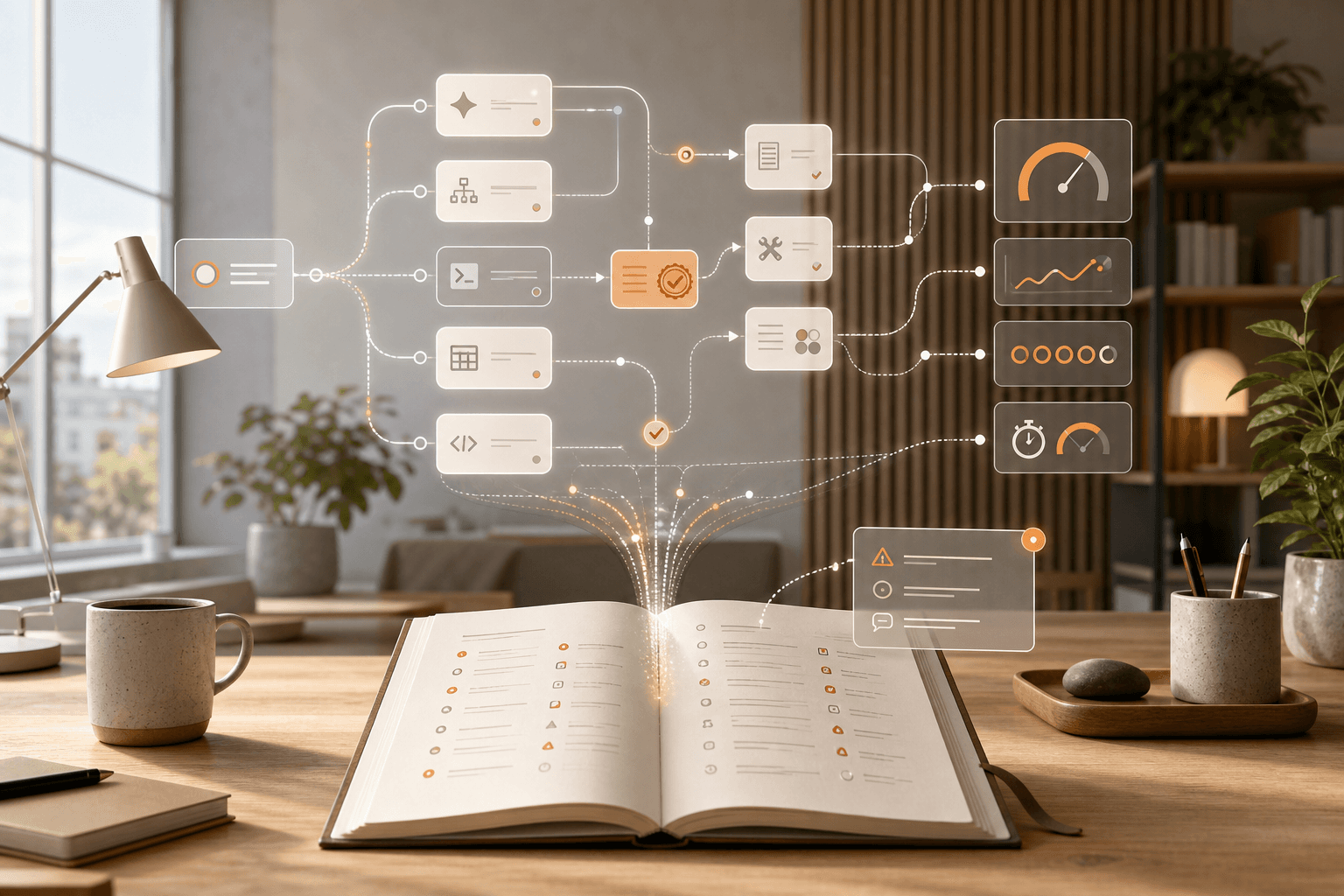
When AI agents move from demo to daily work, the less glamorous question becomes the useful one: who can see what they actually did?
An agent that searches Slack, reads files, calls tools, asks for approval, and produces a report needs more than a good prompt. Add a run log. Not to make the work heavier, but so someone can understand the run afterward: what was the task, which sources were used, which decisions were automatic, where did a human stop the process, and what should change next time?
This matters most for organizations starting to use AI in recurring admin, support, analysis, education, or internal reporting. At that point the agent becomes part of the operating rhythm, not just another chat window.
A run log is not a huge observability project
A run log is one simple record per AI run. It should answer the same questions as a useful work note, but for a system that can use tools.
Start with this:
- Task: what the agent was asked to do, with date and internal requester.
- Owner: who owns the result, not only who wrote the prompt.
- Inputs: which files, systems, chat spaces, documents, or forms the agent could read.
- Tools: which connectors, APIs, or apps the agent used.
- Approvals: which steps required a human yes before the agent continued.
- Output: where the result landed: draft, report, ticket, email, CRM record, or code change.
- Time and cost: approximate runtime, waiting time, and visible token or license cost.
- Error and retry: what failed, whether the run was repeated, and why.
- Human correction: what a person changed before the result could be used.
A spreadsheet, ticket form, or Notion page is enough at the start. The point is not to build a perfect control room. The point is to stop losing the evidence.
Why this became more urgent this week
Google made Core Assistant the default agent in Gemini Enterprise and put Trace and Metrics into public preview. The release notes describe session counts, latency, agent invocations, tool-call counts, errors, execution flow, duration, inputs, and outputs when instrumentation is enabled. That is a clear signal: agent work is being treated as operations, not only chat.
Source: Gemini Enterprise release notes
Anthropic introduced Dynamic Workflows in Claude Code. Claude can orchestrate tens or hundreds of subagents for large codebase work, reviews, and verification loops. That is powerful, but Anthropic also warns about substantial token use and asks for confirmation the first time such a workflow starts. When a run can last a long time and involve many subagents, a log is not paperwork. It is the memory that makes the work reviewable.
Source: Introducing dynamic workflows in Claude Code
OpenAI shows the same direction from the control side. Its Admin APIs cover organization management such as users, projects, API keys, audit logs, spend alerts, data retention, and model permissions. The practical message is simple: AI operations are not only about better answers. They are also about who may use which model, inside which budget, with which retention policy and audit trail.
Source: OpenAI Admin APIs
Mistral describes Vibe as an agent for longer workflows across knowledge, apps, files, code, and connectors. It exposes steps, tool calls, reasoning chains, inputs, and outputs, and sensitive actions require approval. That is the user-facing version of the same pattern: once an agent does more than write text, someone needs to be able to follow the trail.
Source: Vibe gets to work
The question that shows whether you are ready
Ask this after the next recurring AI run:
Can we, without asking the person who happened to start it, see what the agent read, what it did, what it was not allowed to do, what it cost, what went wrong, and who approved the result?
If the answer is no, that does not mean you are reckless. It means you are still in the prompt phase. That works for individual experiments. It works less well when AI starts writing customer replies, summarizing student material, analyzing finance files, creating internal reports, or proposing changes inside systems.
A light start: log ten runs
Pick one workflow where AI is already used often. It could be the weekly report, support triage, meeting notes, quote drafts, publishing plans, or internal document search.
Then do this for two weeks:
- Log the first ten runs with the same template.
- Mark each run green, yellow, or red.
- Write one sentence explaining why yellow and red runs needed human correction.
- Note every time the agent lacked the right source, used the wrong tool, or asked for an extra approval.
- Assign an owner for the template, not just for the tool.
After ten runs, the pattern usually shows up. Sometimes the problem is the prompt. Other times it is the sources. The agent may also have too much access too early. And sometimes it is simpler: nobody has defined what an approved run means.
When Hammer can help
This is a typical Mindset Forge and Tool Forge problem. First you need a sane working rule: which agent runs must be logged, who reads the log, and when should a workflow stop? Then the actual template, form, or automation can stay simple.
If an AI workflow starts repeating, uses several systems, or can affect customers, students, finance, or publishing, start with the run log before you scale it. It sounds boring. It is also what makes the next step safer.
The Forge newsletter
Get new articles in your inbox
Pick the topics you care about. No noise, at most one email a week.
We follow GDPR. Unsubscribe anytime.


