Google Antigravity release notes: CLI 1.1.23–1.1.24 improves the MCP panel
Part of the series: Google Antigravity release notes
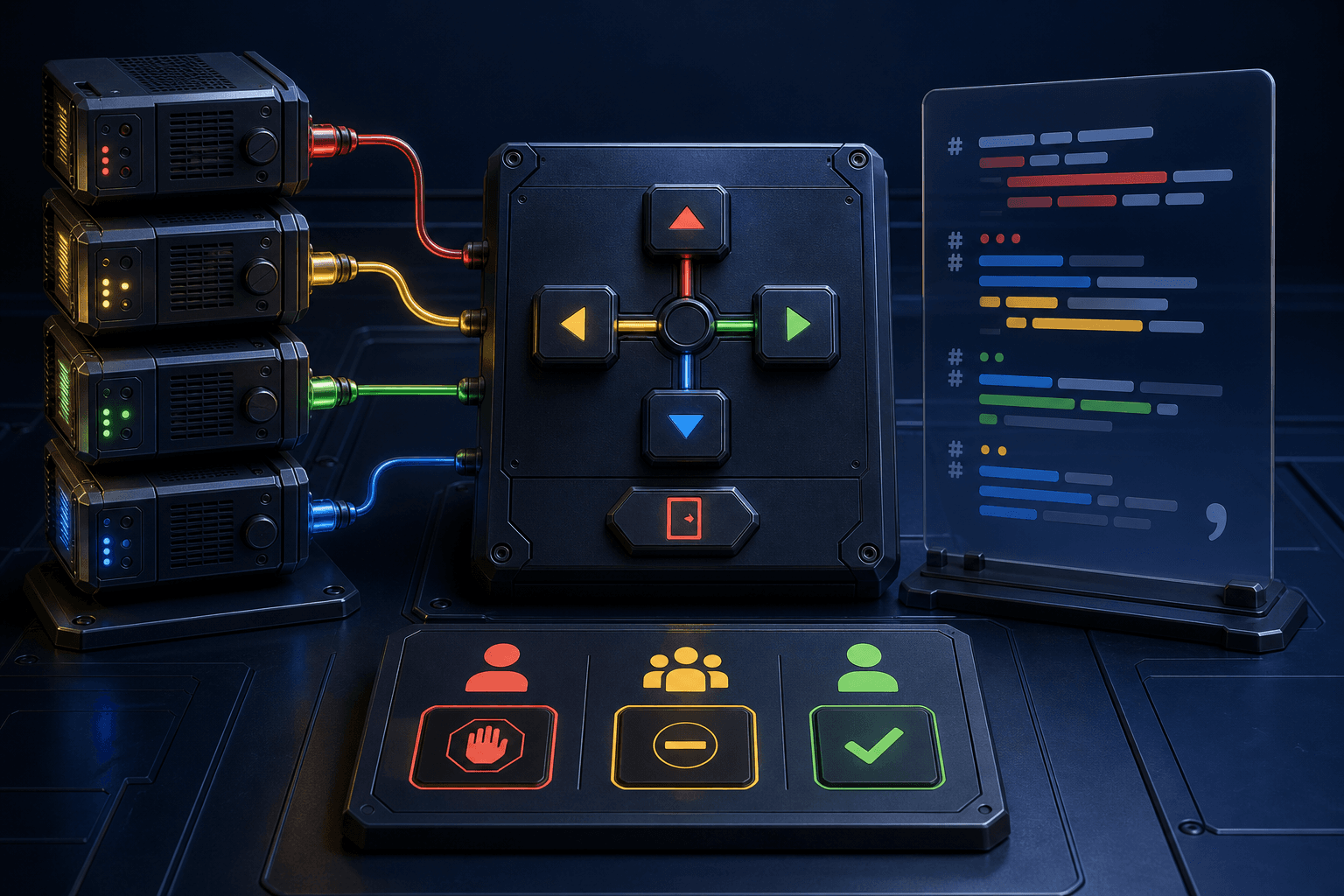
Google Antigravity CLI 1.1.24, published September 2, makes the /mcp panel easier to control from the keyboard. MCP (Model Context Protocol) is an open standard that connects AI applications to external systems, tools, and data sources. In Antigravity CLI, the panel covers connected MCP servers and plugins.
Sources: Antigravity CLI 1.1.24. Introduction to MCP.
Google Antigravity release notes: clearer MCP panel and configuration
Version 1.1.24 gives each key a fixed job in the /mcp panel:
- Up and down arrows move between MCP servers and plugins.
- Left and right arrows cycle through available actions.
Escleaves action mode or closes the panel.
The same release fixes parsing of mcp_config.json. The file can now contain // or /* */ comments and trailing commas.
Human step
Start an Antigravity CLI session and enter /mcp. Use the up and down arrows to select a server or plugin, left and right to select an action, and Esc to go back.
Source: Antigravity CLI 1.1.24 on GitHub.
Antigravity CLI 1.1.23 shows better MCP approvals
Version 1.1.23, published September 1, fixes permission prompts for direct and MCP tool calls. The prompt now shows the tool's declared, human-readable action description instead of a generic title.
The release also fixes subagents configured with enable_mcp_tools=true, which could previously fail with unknown-tool errors. On Windows, MCP configuration files can now be parsed when the JSON file starts with a UTF-8 BOM.
Source: Antigravity CLI 1.1.23 on GitHub.
Short example: use the new Antigravity feature
Open /mcp first and confirm that the intended server is connected. Then give the agent this instruction:
Review the MCP tools available in this session. Choose one read-only status or list call that fits the connected server, explain what it will read and what result I should expect, and wait for my approval before calling the tool.
A good result should:
- Name the server, tool, and information to be read.
- Stay within one read-only status or list call.
- Show the tool's human-readable action description in the permission prompt when the call requires approval.
Sources: Antigravity CLI 1.1.23. Antigravity CLI 1.1.24.
FAQ
What changes in the /mcp panel in Antigravity CLI 1.1.24?
Up and down select an MCP server or plugin, left and right cycle actions, and Esc exits action mode or the panel.
Can mcp_config.json contain comments?
Yes. CLI 1.1.24 accepts // comments, /* */ comments, and trailing commas. Version 1.1.23 also fixed UTF-8 BOM parsing on Windows.
The Forge newsletter
Get new articles in your inbox
Pick the topics you care about. No noise, at most one email a week.
We follow GDPR. Unsubscribe anytime.