Google Antigravity release notes: June 8 codelab update
Part of the series: Google Antigravity release notes

Google has not posted a new Antigravity version after 2.0.11 in the official changelog. The useful change this time is more practical: Google's official "Getting Started with Google Antigravity" codelab was updated on June 8, 2026, and it makes project boundaries, permissions, MCP servers, and skills much easier to reason about before you let an agent work.
Source: Google Antigravity Changelog still shows 2.0.11 from June 3, 2026, as the latest version row. Getting Started with Google Antigravity includes last-updated="2026-06-08T10:55:03Z" in the page source.
Google Antigravity release notes: the codelab makes project boundaries practical
Google Antigravity is Google's agentic development environment for launching, monitoring, and reviewing AI agents that work inside projects. An agentic IDE is a development environment where an AI agent can read files, propose changes, and use tools within the boundaries you grant.
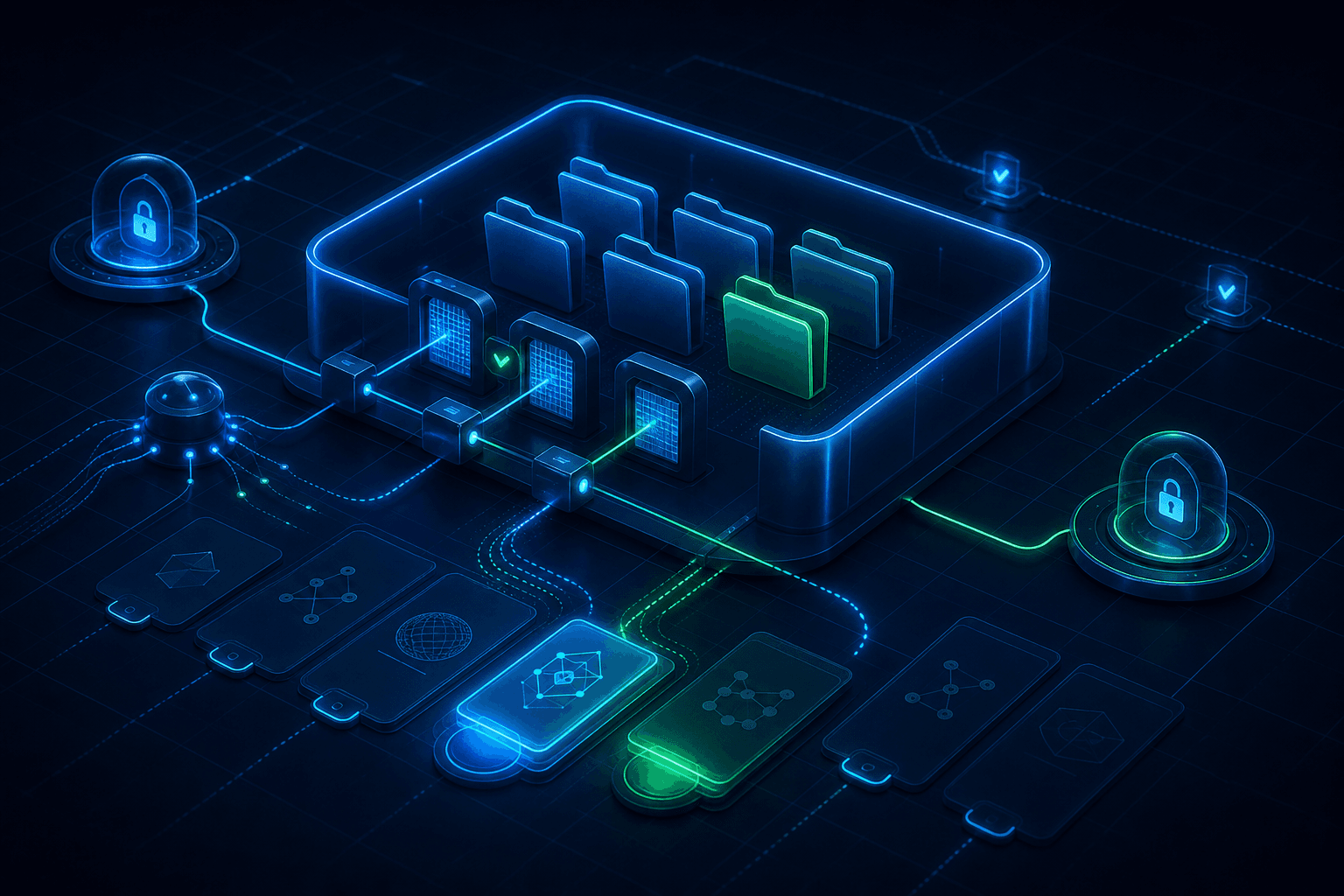
The codelab describes Antigravity as project centric. A project is a combination of folders that defines the agent's environment and scope. That can be one folder, or several folders, such as frontend and backend, when the agent needs both. Each project can also have its own isolated agent settings for security and permissions.
Source: Getting Started with Google Antigravity describes Projects as folders that define the agent's environment and scope, and says projects have isolated agent settings.
Why this matters in real teams
For Swedish companies, schools, and automation teams, the project is not just a folder picker. It is the permission boundary. Give Antigravity too little context and the agent works blind. Give it too much and review gets harder than it needs to be.
The codelab also points to MCP Server configuration. MCP, Model Context Protocol, is a way to connect AI tools to external systems through defined server profiles. That makes agents useful, but it also means teams should plan scoped API keys, environment variables, secret managers, output redaction, and approval gates before connecting agents to real systems.
Skills are part of the same control question. A skill is a package of specialized knowledge that stays dormant until the agent's task matches the skill description. That helps with cost and focus, but only if the team knows which skills exist and when they should load.
Source: Getting Started with Google Antigravity says projects inherit permissions for artifact review, allowed tools, and MCP Server configuration from global settings, but can be adjusted per project. The same codelab describes Skills as specialized packages loaded only when a request matches the skill description.
Human step: create the project before asking the agent to work
Do this yourself in Antigravity first:
- Open Antigravity and choose
Select Project → New Project. - Choose
Add Folderand add the folder or folders the agent should see. - Click
Create. - Check the project's settings for artifact review, allowed tools, and MCP Server configuration.
- Click
Start first conversationwhen the project boundary looks right.
Source: Getting Started with Google Antigravity gives the flow Select Project → New Project, Add Folder, Create, and Start first conversation, and says project permissions can be adjusted through settings.
Short example: use the new Antigravity feature
Once the project is created and the first conversation is open, paste this to the agent:
Review this Antigravity project as a permission boundary. List the folders you can see, any MCP servers or tools that appear available, project rules or skills you can detect, and the smallest safe first task. Do not edit files. End with what a human should approve before changes start.
Good output should:
- Separate visible configuration from assumptions
- Name the folders, tools, MCP servers, and skills the agent can actually see
- Suggest a small first task without file edits
- End with what a human should approve before changes start
What to test today
Do not start by pointing Antigravity at your whole organization's file structure. Pick a real but bounded project, preferably one where the agent can read documentation, write a summary, or suggest a simple refactor without touching production.
For Hammer readers, this sits clearly in Tool Forge and Skill Forge. The practical question is whether you have a workspace where folders, tools, secrets, approvals, and review logs still make sense afterward.
FAQ
Is there a new Google Antigravity version after 2.0.11?
Not in the official changelog checked for this post. The latest version row is 2.0.11 from June 3, 2026. The new item covered here is Google's codelab updated on June 8, 2026.
What should a team test first in Antigravity?
Create a bounded project, check which folders, tools, MCP servers, and skills the agent can see, and ask the agent to propose a small first task without editing files.
The Forge newsletter
Get new articles in your inbox
Pick the topics you care about. No noise, at most one email a week.
We follow GDPR. Unsubscribe anytime.