Give a 20-second product video voice, music, and sound effects in Adobe Firefly

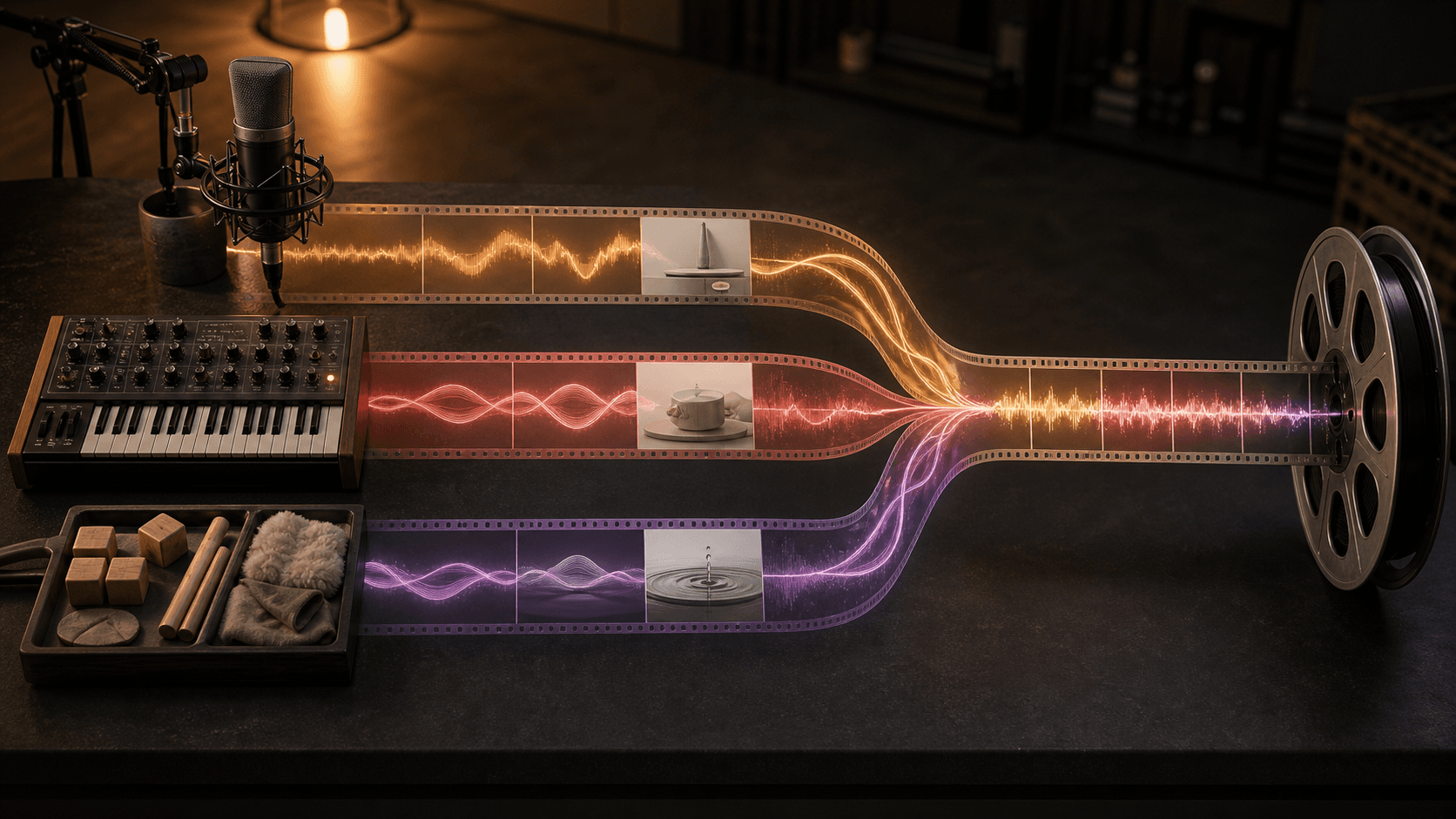
A 20-second product video can be fully edited and still feel unfinished. The voice is recorded in one tool, the music is found in another, and sound effects arrive at the end. Adobe has now made Generate Music, Generate Speech, and Generate Sound Effects generally available in Firefly. That lets you build one coherent audio pack before moving files between several services.
This workflow fits a product clip, course introduction, or short campaign video. You need a locked video cut and about 45 minutes.
Start with an audio card, not three loose prompts
Choose a 15-to-30-second clip and lock its duration. If the picture changes later, the music, pauses, and effects often need to be rebuilt.
Fill in an audio card:
CLIP: [filename and duration]
GOAL: [what the viewer should understand or do]
VOICE: [exact script]
MUSIC: [vibe, style, purpose, energy, tempo]
EFFECTS: [timestamp + sound + intensity]
APPROVED WHEN: [pronunciation, clarity, duration, and ending]
This is the main control in the workflow. The card keeps the message fixed while you test different voices and music variations.
Generate the voice first
Open Generate Speech, paste the script, and choose the language, voice, and accent. Then adjust speed and pitch. Firefly can preview selected words, fix pronunciation, and add pauses or tone before you generate the WAV file.
For Swedish speech, select the ElevenLabs partner model. Adobe's supported-language list for the Firefly Speech Model includes English, French, German, Italian, Dutch, Spanish, Hindi, and Mandarin, but not Swedish. The ElevenLabs option in Firefly supports Swedish. Check every product and place name before moving on.
Sources: Generate speech from text. Supported languages in Generate Speech.
Shape the music around the voice
Move to Generate Music once the voice track works. You can upload the video or start with a guided description. Set the vibe, style, and purpose, choose the energy and tempo, and match the duration to the clip. Firefly generates four variations to preview.
Do not pick the track that sounds most impressive on its own. Pick the one that leaves room for the voice. You can export a WAV file or combine the music with the video. Adobe says Generate Music supports tracks from five seconds to five minutes, and that music from the Firefly Music Model is licensed for commercial use. Still record the model and settings you used, especially for client work.
Source: Free AI music generator: Compose with Generate Music in Adobe Firefly.
Add only the effects that explain the picture
Use Generate Sound Effects for one or two clear events: a click when a button activates, a soft sweep at a scene change, or a real sound made by the product. You can describe the sound, upload a reference, or record a vocal cue to guide timing and intensity.
Place the playhead on the right frame, create a few variations, and adjust position and volume. The effect should help the viewer understand what happened. If it only makes the clip busier, remove it.
Source: Free AI Sound Effect Generator.
Approve a delivery pack, not one file
Listen once with headphones and once through a phone speaker. Check that:
- every name is pronounced correctly;
- the voice remains clear over the music;
- each effect lands on the intended frame;
- the ending is not clipped or followed by an empty audio tail;
- the audio has the exact duration of the locked video.
Save the video, voice, music, and effects with the audio card. Include the model choices, settings, and source links. A colleague can then change one line of the script without reconstructing the whole idea from memory.
If your team produces this kind of clip every week, turn the audio card into a reusable routine. That is a practical Tool Forge task: standardize filenames, approval points, and delivery packs while a person keeps the final creative decision.
FAQ
Can Adobe Firefly generate a Swedish AI voice?
Yes, through the ElevenLabs partner option in Firefly. Adobe does not list Swedish for its own Firefly Speech Model as of August 25, 2026.
Can music from Adobe Firefly be used commercially?
Adobe says music from the Firefly Music Model is royalty-free, licensed, and safe for commercial use. Follow the current product terms and record the model and settings used for client work.
Can I test this Adobe Firefly workflow for free?
Adobe offers free daily generations with an Adobe account. Paid plans provide higher-volume access and more model options.
The Forge newsletter
Get new articles in your inbox
Pick the topics you care about. No noise, at most one email a week.
We follow GDPR. Unsubscribe anytime.