One word from the customer can now steer the next step in Shopify

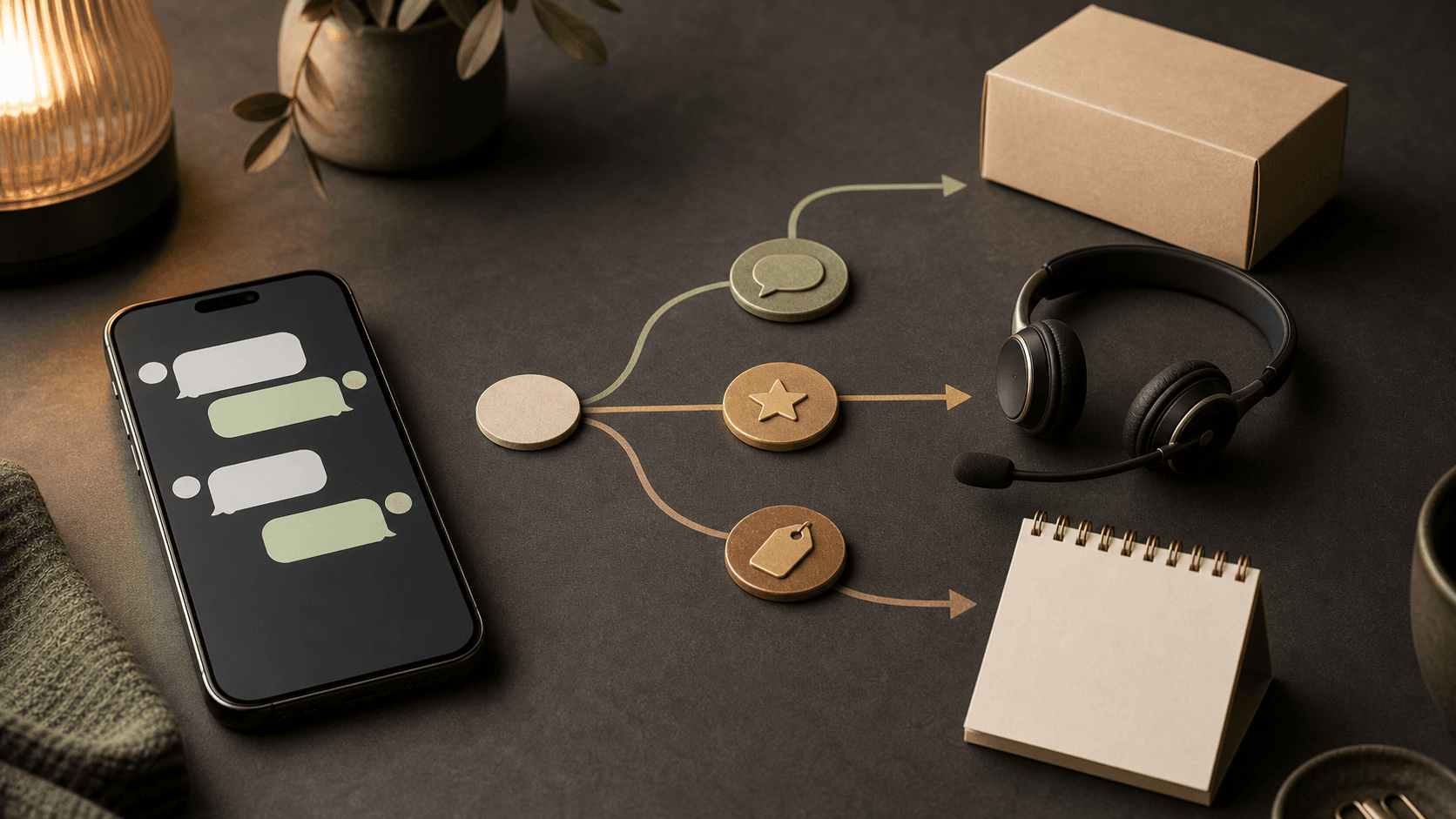
A marketing message becomes interesting when the customer can reply and that reply leads somewhere useful.
Shopify added WhatsApp to Shopify Messaging on July 29. Stores can now build campaigns with product images, buttons, and automated replies to selected keywords. That makes the channel useful for a conversation rather than another round of discount codes. One word such as "SIZE," "BOOK," or "HELP" can start a clear next step.
Good campaign planning begins with three decisions: who receives the message, which replies you want to invite, and what happens after each reply. This guide walks through the work in 45 minutes, before anyone sends the campaign.
What WhatsApp in Shopify Messaging can do
Shopify Messaging is Shopify's tool for marketing through email, SMS, and now WhatsApp. A store builds its WhatsApp campaigns in Shopify admin and sends them to a selected customer segment that has opted in to WhatsApp marketing.
Shopify supports prebuilt templates and custom content. A message can include an image, text, or a product from the catalog. You can add buttons for a link, phone number, discount code, or quick reply. You can also connect a keyword to an automated response.
A keyword reply is a simple rule: when a customer replies with a chosen word, Shopify sends a prepared response. The rule might send a size guide after "SIZE" or a booking option after "BOOK." It is simple, but it turns a broadcast into a two-way campaign.
Source: Shopify Messaging now supports WhatsApp marketing.
Meta must approve the message template before the store can use it. Shopify says approval can take up to 24 hours. Once approved, the team can send a test or schedule the campaign. A new WhatsApp Business Account begins with a limit of 2,000 messages per day, and marketing messages may go only to customers who explicitly opted in.
These details do not belong in the final footnote of a campaign plan. They affect the timeline, audience, and test from the start.
Source: Requirements and considerations for sending WhatsApp marketing campaigns.
Start with a reply map
Many campaigns are planned from the offer outward: product, discount, headline, button. WhatsApp also rewards planning backward from the reply.
A reply map is a short description of the answers a customer can give and where each answer should lead. It contains four parts:
- The customer segment receiving the message.
- The question or offer in the message.
- The replies or buttons available to the customer.
- The next action, owner, and measurement for each route.
Consider a shop that receives the same fit question whenever it launches a new jacket. A campaign with one buy button sends the customer to a product page and hopes that the page is enough. A campaign with "VIEW JACKET" and "SIZE HELP" separates buying intent from the need for information. The size response can link to a guide and explain when a person takes over.
That is where automation becomes useful. The customer does not have to compose the whole question, and the team does not have to guess what help is needed.
A 45-minute session for your first campaign
Use a real upcoming event: a product returning to stock, a bookable service, an open house, or a time-limited offer. Choose a campaign where the recipient has a clear reason to act now.
Minutes 0–10: choose the outcome and audience
Write the desired outcome in one sentence:
After this message, the right customers should be able to [buy/book/ask for help] without searching for the next step.
Choose an existing customer segment. Base the segment on facts you already have, such as a request for a back-in-stock alert, a previous purchase in the relevant category, or WhatsApp consent collected during an earlier order.
Do not use "all customers" as a working label. A clear segment improves the message and makes the cost easier to judge because Shopify charges per message sent.
Minutes 10–20: build a fact card
Collect the material that AI and the campaign editor may use:
- Product or service and the correct link.
- Price, validity period, and stock status.
- Delivery or booking terms.
- Customer segment and why it is relevant.
- Approved claims about the offer.
- Questions customers ask before buying.
Mark anything that has not been confirmed as [MISSING]. AI should work from the fact card rather than fill gaps with polished assumptions.
Minutes 20–30: draw three reply routes
Choose no more than three possible actions. Fewer choices usually make the campaign easier to understand and measure.
A product campaign might use:
- VIEW PRODUCT: opens the correct product page.
- SIZE: sends a concise size guide and a route to personal help.
- QUESTION: explains how and when the team will respond.
A service campaign might use BOOK, PRICE, and TALK TO US instead. The words should be easy to type and difficult to misunderstand. Name the owner for replies that cannot be resolved automatically.
Shopify supports up to ten buttons, but the limit is not a target. Three clear choices produce a campaign that a customer can read in seconds.
Source: Creating WhatsApp marketing campaigns with Shopify Messaging.
Minutes 30–40: have AI draft the message
Give the fact card and reply map to the AI tool your team already uses. Ask for a working draft within Shopify's 1,024-character limit. Ask for a brief reason behind each line as well, so the team can see which facts and assumptions shaped the copy.
Have the AI produce two versions: one direct and one more advisory. Choose one, edit it into your own voice, and check every claim against the fact card. The result should sound like a message from the shop, not an advertising agency trying to win an award.
Minutes 40–45: test the entire route
Send a test to a real internal phone. Tap every button and type every keyword as a customer would. Check the links, discount code, product page, and response time. Shopify allows up to 25 free test messages each week.
Review the estimated cost before scheduling. Shopify bills per message and shows an estimate when the campaign is scheduled. Automated confirmation messages and replies to customer keywords are also billed according to the documentation.
Source: Pricing and billing for WhatsApp marketing campaigns.
Copy this prompt: build the campaign and reply map
Paste this prompt into Shopify Sidekick or another AI tool. Add your fact card where indicated. The prompt sends nothing and changes no customer data. It creates a campaign draft that your team can review.
Help me create a working draft for a WhatsApp campaign in Shopify Messaging.

Campaign outcome:
[the action the right recipient should be able to take]

Customer segment:
[who receives the campaign and why this segment is relevant]

Fact card:
[product/service, link, price, validity period, stock, delivery or booking terms, and approved claims]

Common questions before purchase:
[list real questions]

Do the following:
1. Check the fact card and list anything missing or contradictory. Write [MISSING] instead of guessing.
2. Suggest no more than three buttons or keywords. For each choice, state the customer intent, automated reply, next link or action, and when a person takes over.
3. Write two message drafts of no more than 1,024 characters: one direct and one advisory. Use only facts from the source material.
4. Create a test list for links, buttons, keywords, discount code, unsubscribe flow, and human handoff.
5. Suggest no more than four measurements for the campaign.

Write in our voice: [describe the voice with three concrete traits]. Avoid hype, invented urgency, and promises that are absent from the fact card. Wait for my approval before suggesting a final version.
The prompt separates facts, routes, and copy. That makes the review faster than asking AI to "write a WhatsApp campaign" and sorting out the assumptions afterward.
Measure whether the reply map worked
Sales matter, but sales alone do not show whether the campaign helped customers move forward. Follow a few measurements that fit the reply routes:
- The share of recipients who clicked a button or used a keyword.
- Which reply option customers used most.
- How many conversations needed human help, and why.
- Purchases, bookings, or another intended action from the selected segment.
Place unsubscribes and cost beside the outcome. If many people choose SIZE but few continue, you may have found a content problem on the product page rather than a messaging problem. If TALK TO US dominates, the automated response probably needs more concrete information.
Save a short campaign note with the segment, template version, reply routes, outcome, and next change. AI can then compare the next campaign with a real prior test rather than restart from a blank page.
Three campaigns where this structure fits
Back in stock: Send to customers who requested an alert or showed relevant interest. Let the customer open the product, ask about size, or request help with an alternative.
Appointments: Send to a segment with a current need. Let the customer book, read the price and terms, or choose human contact. A booking system can be connected later with scoped access and an explicit confirmation before a time is reserved.
VIP preview: Give returning customers early access. Let them view the collection, ask about availability, or decline further messages about that type of launch.
Shopify requires explicit consent for WhatsApp marketing and inserts a stop instruction in every message. Treat consent as a field in the customer segment. The workflow can then stay personal without the team maintaining separate lists outside Shopify.
When the campaign can become a recurring workflow
After two or three campaigns, you will see which replies recur. A reply map can then become a lightweight automation: product status starts a draft, a person approves the segment and message, Shopify sends the campaign, and the keyword routes the customer to the right information or purchase.
Keep permissions scoped. Let the integration read only the products and segments it needs, store API keys in a secret manager or environment variable, and log the campaign version that was actually sent. Put approval before sending and before any change that affects price, stock, or a booking.
This is a natural Tool Forge task when campaigns recur. Start with one fact card and three reply routes. When every response has a clear continuation, the team can test and improve the whole customer journey.
FAQ
What can Shopify Messaging do with WhatsApp?
Stores can create WhatsApp campaigns with text, an image, or a product, select a customer segment, and add links, phone numbers, discount codes, or quick replies. Keywords can trigger prepared automated responses.
Can a Shopify store send WhatsApp marketing to every customer?
No. Campaigns may go only to customers who explicitly opted in to WhatsApp marketing. Shopify also lists regional exceptions, including that marketing messages cannot be sent to customers in the United States.
Does a WhatsApp campaign need approval before it is sent?
Yes. The message template goes to Meta for approval, which Shopify says can take up to 24 hours. Once approved, the store can test or schedule the campaign.
How much does WhatsApp marketing cost in Shopify Messaging?
Shopify bills per message and displays an estimated cost before scheduling. Rates vary by region. Stores may send up to 25 free test messages per week.
The Forge newsletter
Get new articles in your inbox
Pick the topics you care about. No noise, at most one email a week.
We follow GDPR. Unsubscribe anytime.