Demystifying AI: From Chatbots to Autonomous Agents — A Technical Overview

Demystifying AI: The Tools Reshaping Workflows
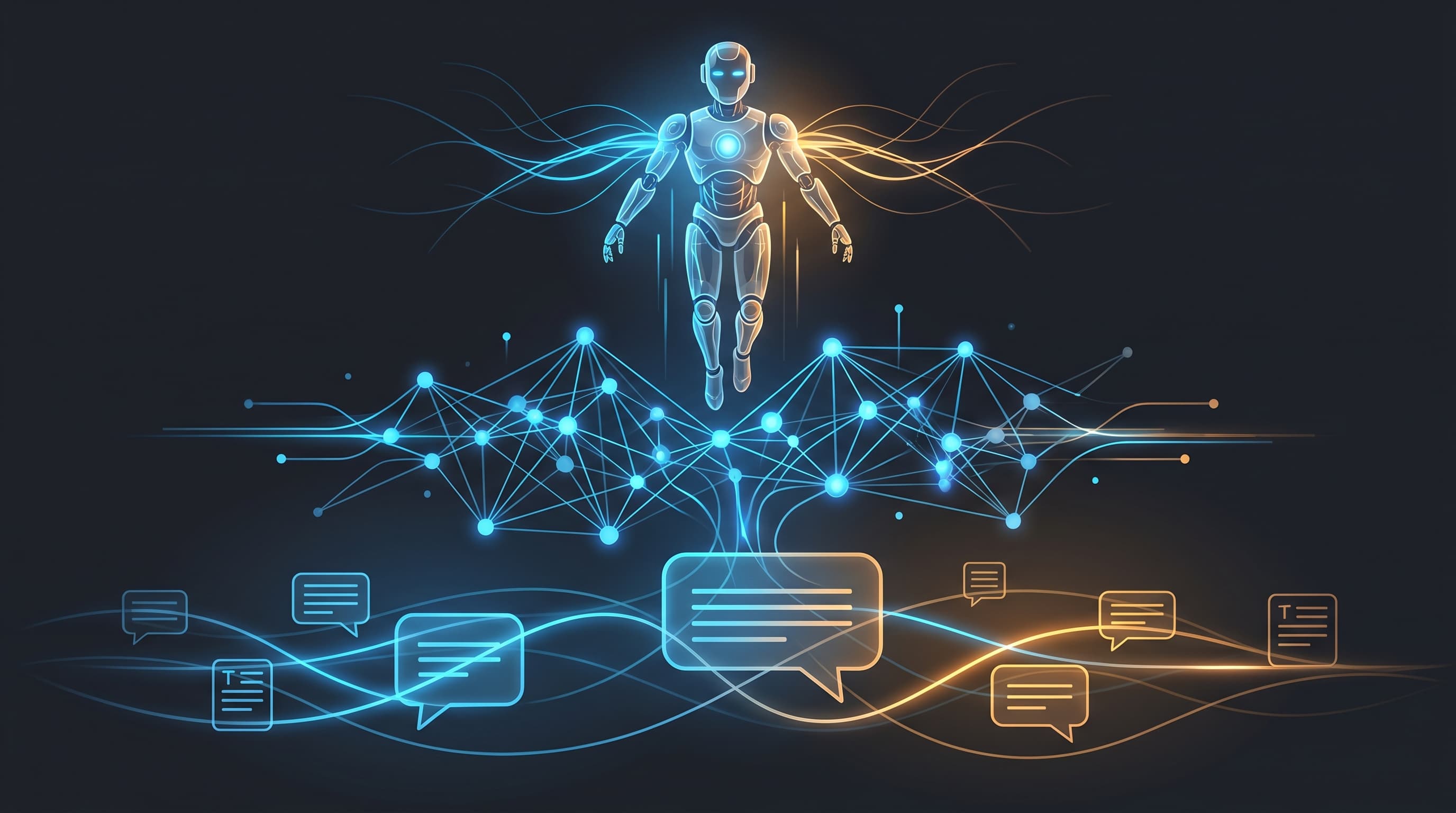
At Hammer Automation, we are driven by a clear conviction: AI is not magic, it is a scalable tool. Our mission is to give businesses the knowledge to lead the development — not get run over by it. To succeed, we must understand the shift from chat to autonomous agents.
The leading systems are now moving away from isolated web tabs to becoming "operators" that live in your existing environments.
"Systems are built not just to answer questions, but to plan, execute, and evaluate complex processes in secure environments."
The Leading Vendors Today
Anthropic (Claude)
Anthropic focuses on advanced technology and reliable workflows for software development and design.
- Claude Opus 4.7: A flagship model built for difficult software development and long-term, agent-driven tasks. The model retains the same list price as its predecessor but introduces a new "xhigh" effort level in Claude Code to handle more complex problems autonomously.
- Claude Design: A new service that generates prototypes, slides, and marketing materials directly from text or existing design systems. It can export to PDF, PPTX, and HTML.
OpenAI
OpenAI has expanded Codex to become a general operator for software projects.
- Operational capability (Codex): The agent can now control the computer interface, use built-in browsers, generate images, and handle recurring automations in the background.
- Security (Agents SDK): To enable this safely, OpenAI uses an architecture where the AI logic (harness) is separated from execution (sandbox). This ensures the agent works in isolated environments.
Mistral
European Mistral differentiates itself by focusing on enterprise integrations, control, and transparency.
- Connectors in Studio: Makes it possible to register integrations (via MCP) once and reuse them securely across all platform surfaces.
- Human-in-the-loop: The system supports "direct calls" for deterministic flows and includes built-in approval processes, where the system pauses an action for a human to approve or deny it.
Perplexity
Perplexity has taken the step from search to becoming a "digital worker" on your machine.
- Personal Computer: A system, initially rolled out for Mac users on the Max tier, where the AI agent is integrated directly on the user's local machine. It works across local files, browsers, and native applications.
- Persistence: The system is designed to be "always on" for tasks like file organization and monitoring, with built-in "kill switches" and sandboxes for security.
Google (Gemini)
Google leverages its ecosystem through deep integration in Workspace and user data.
- Personalization: The Gemini app can now generate deeply personalized images by (if the user approves it) reading context from Google Photos and "Personal Intelligence".
- Enterprise governance: For companies, Gemini Enterprise controls are now centralized directly in the Workspace Admin console, making it easier to control AI access based on organizational units and groups.
- Media production: With Gemini 3.1 Flash TTS model, powerful, controllable text-to-speech is integrated directly into APIs, AI Studio, and applications like Google Vids.
xAI (Grok)
Elon Musk's xAI is building out its platform to appeal to software developers and enterprise customers.
- Audio APIs: The company has recently launched standalone Speech-to-Text (STT) and Text-to-Speech (TTS) APIs. The STT model supports over 25 languages.
- Enterprise Readiness: The platform is backed by heavy security features including SOC 2, HIPAA readiness, Single Sign-On (SSO), and role-based access control (RBAC).
Example: How an Agent is Configured
Instead of just talking to the system, agents are controlled through structured configurations. Here is an abstract example of how modern agent control (e.g. similar to OpenAI SDK) can look in code:
\{
  "agent_id": "opr-fin-01",
  "environment": "sandbox_isolated",
  "permissions": \{
    "file_system": "read_only",
    "network_access": ["api.internal.crm"],
    "require_human_approval": true
  \},
  "task": "Reconcile monthly statements and draft report."
\}
The Forge newsletter
Get new articles in your inbox
Pick the topics you care about. No noise, at most one email a week.
We follow GDPR. Unsubscribe anytime.


