Click through the customer journey before you build it with Canva Code 2.0

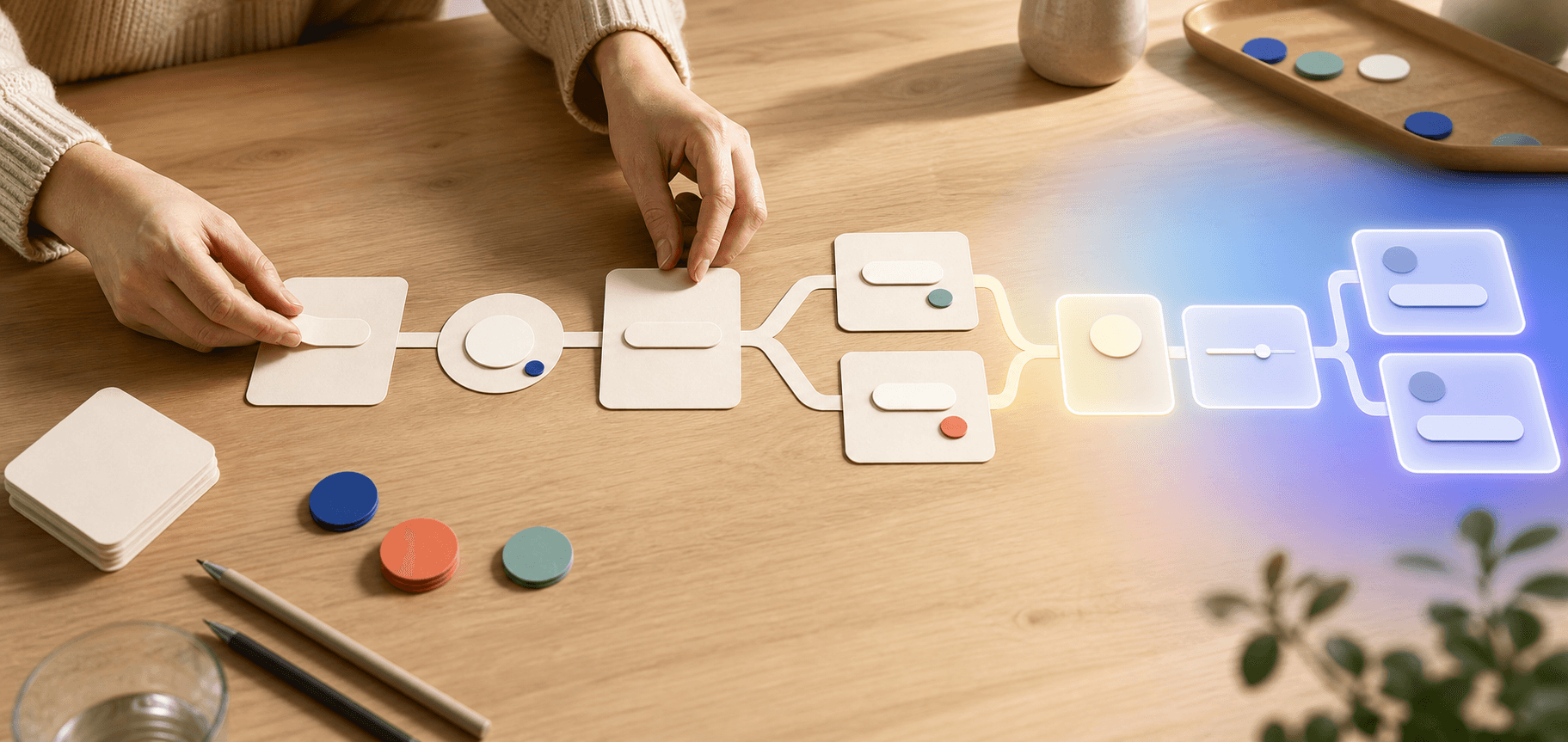
It is easy to approve a new website, booking flow or customer portal. The hard part arrives two weeks later, when someone notices that customers are being asked the wrong questions, the quote flow is too long, or nobody knows where the answers should go.
A clickable prototype moves that conversation to the beginning. It is an interactive test version of a customer journey: real enough to try, but not yet a finished business system.
On July 14, Canva launched Canva Code 2.0 broadly. You describe what you want to create, get an interactive experience, and then edit the copy, colors, images, and individual elements visually. For a lean team, the interesting part is not the word "code". It is the chance to let colleagues and customers click through an idea before you commission the real solution.
Source: Vibe coding that matches your vision: Canva Code 2.0 is now available to all
What Canva Code 2.0 actually adds
Canva describes Canva Code as an AI code generator for interactive web experiences. A user can describe what should be built, select an element and request a local change, preview the result on mobile, tablet and desktop, and publish it as a Canva website. You can also upload an existing HTML or code file and make it visually editable in Canva.
A responsive prototype adjusts its layout to the screen size. That sounds technical, but the benefit is plain: your team can notice that a button is awkward on mobile before a customer does.
Canva Code can also send captured responses to a connected Canva Sheet. Canva Sheets is Canva's spreadsheet product and can be used to share, sort, and analyze the responses collected by the prototype. That lets you test both sides of the workflow: what the customer sees and the work list your team receives afterward.
Source: Canva AI Code Generator
Source: Canva Sheets
This does not turn the prototype into a finished CRM, payment flow, or student records system. It does something more useful at this stage: it shows whether the questions, choices, and handoff work before you invest in integrations.
Start with one decision the customer is trying to make
A common mistake is to begin with "we need a new website". That is too broad. Start with a decision or handoff where customers regularly get stuck.
A restaurant guest may need to work out which catering option fits the group. A consulting client may need to choose the right first meeting. A school might want to help parents find the right information before term starts. An association may need complete registrations without five follow-up emails.
Choose a customer journey where you can already answer four questions:
- The job the person is trying to get done.
- The information your team needs to help them.
- The answer the prototype can give immediately.
- The point where a person should take over.
If the team does not agree on the answers yet, good. The prototype should expose that disagreement. It should not hide it behind polished design.
A 60-minute session: from loose idea to testable journey
Set aside an hour and invite the person who knows the customer questions best. That may be the owner, administrator, teacher or the colleague who usually fixes incomplete orders. You do not need a large project meeting to begin.
1. Write a clear test assignment, 10 minutes
Write one sentence describing what a visitor should be able to do. For example: "A catering customer should be able to choose an arrangement and leave a complete quote request within two minutes."
Then decide what you want to learn from the test. Good questions are concrete:
- Does the visitor understand the difference between the options?
- Can they finish without verbal help?
- Does the team receive enough context for the next step?
- Is there a question that customers consistently misread?
2. Generate the first prototype, 10 minutes
Open Canva Code from the Canva homepage when the feature is available on your plan. Access is rolling out across plans, and use counts against the monthly AI allowance. Start with the prompt below and replace the text in square brackets.
Copy this prompt: build a customer-journey prototype
Create a mobile-first, clickable prototype for [business or organisation].

Goal:
Help a visitor [specific customer goal] in no more than two minutes and leave a complete brief for [next human step].

Build the flow like this:
1. A short start page that explains the benefit in one sentence.
2. No more than five questions, with one clear question per step.
3. Choices written in everyday language that explain the differences.
4. A simple recommendation or summary based on the answers.
5. A review page where the visitor can go back and change answers.
6. A confirmation that explains what happens next and when a person will respond.

Capture these fields in a connected Canva Sheet:
[list only the fields the team genuinely needs].

Design:
Use [colors and style]. Prioritize legibility, large tap targets, and clear contrast. Design for mobile first. Avoid animations that slow down the task.

Test requirements:
- The visitor should always know where they are in the flow.
- They can go back without losing earlier answers.
- There are no dead ends.
- Show a clear summary before the final step.
- Include a visible route to human contact.

Use sample data. Mark the prototype as a test. Do not publish or send anything until I have reviewed the full flow.
That final line matters. The first generation should give you something to react to, not something that automatically goes live.
3. Edit what customers will notice, 15 minutes
Canva Code 2.0 lets you select a part and request a local change. Use that for decisions that affect comprehension: order, question wording, button size, contrast and the final summary. Do not spend the whole session polishing shadows and decoration.
Read every question aloud. If it sounds like an internal database field, rewrite it. "Requested delivery time" might become "When would you like the delivery?". "Customer category" can often be replaced with choices the person will recognize without help.
Check the connected sheet too. A good-looking prototype that creates a confusing work list has merely moved the problem from the customer to administration. Column names should make the meaning of each answer clear, and each row should lead to an obvious next action.
4. Ask two people to try it without instructions, 15 minutes
Send the link to two people who did not build the prototype. Ask them to think aloud, but do not coach them. Notice where they stop, go back or ask what something means.
Ask four questions afterward:
- What did you think this service would help you do?
- Which choice was hardest?
- Was any information missing before you continued?
- What do you expect to happen after the final step?
Do not edit the prototype halfway through the test. Gather the observations first. Otherwise, the second person is testing a different solution from the first.
5. Write the build brief, 10 minutes
Finish with a short decision note. Save screenshots or the link, then record:
- the customer goal you tested
- which questions and choices worked
- what should be removed or clarified
- which data needs to be stored
- which system should receive it
- who approves the next step
- what you want to measure after launch
This is a much better brief than "build something that looks like this website". A developer or automation partner can see the flow, understand the exceptions and estimate the work from actual decisions.
Three prototypes worth testing
The quote guide helps a customer choose a service level, describe the need and book the right kind of conversation. The team receives one row per request with the next step clearly identified.
The booking preparer collects practical choices before a booking: group size, location, timing, accessibility requirements and anything the customer needs to bring. The goal is fewer clarification emails, not more form fields.
The introduction check lets a student, course participant or new client complete a short preparation and see what is missing before the start. A person handles the exceptions.
Pick the one that resolves a recurring misunderstanding. The most useful prototype is rarely the one that looks most advanced.
When the prototype should become a real integration
After the test, you can make a calmer decision. Some flows can remain a bounded Canva website. Others need to connect to a CRM, booking system, email process or internal register.
Make that transition with clear boundaries. Use scoped API keys and keep them in environment variables or a secret manager, not in a prompt. Validate incoming data, redact fields you do not need, place an approval gate before sensitive actions and retain a simple run log. The integration can then do useful work without turning every failure into a detective story.
At that point, Canva Code is the blueprint that people were able to test. Tool Forge becomes relevant when the tested customer journey needs to connect to the systems you already use.
What you should have after one hour
A good session does not end with everyone saying that the prototype looks nice. It ends with the team knowing which question comes first, which answers are needed, when a person takes over and what should be built for real.
That is a much cheaper discovery to make with clicks, cards and sample data than after a solution has already been invoiced and launched.
FAQ
Can I use Canva Code 2.0 without knowing how to code?
Yes. Canva Code builds from a text description and lets you edit elements visually or with follow-up instructions. Test the whole flow, and ask a technical owner to review anything that will connect to live systems.
Can Canva Code collect responses from a prototype?
Canva says responses from an interactive experience can flow into a connected Canva Sheet. Decide which fields you need and how the team will handle them before using the flow with real customers.
Is a Canva Code prototype the same as a finished customer system?
No. Treat it as a testable blueprint. Payments, authentication, sensitive data and connections to CRM or booking systems need clear validation, scoped permissions, approval gates and logging.
The Forge newsletter
Get new articles in your inbox
Pick the topics you care about. No noise, at most one email a week.
We follow GDPR. Unsubscribe anytime.


