Claude Code shows why safe workspaces are becoming the next AI habit
Part of the series: Claude Code release notes

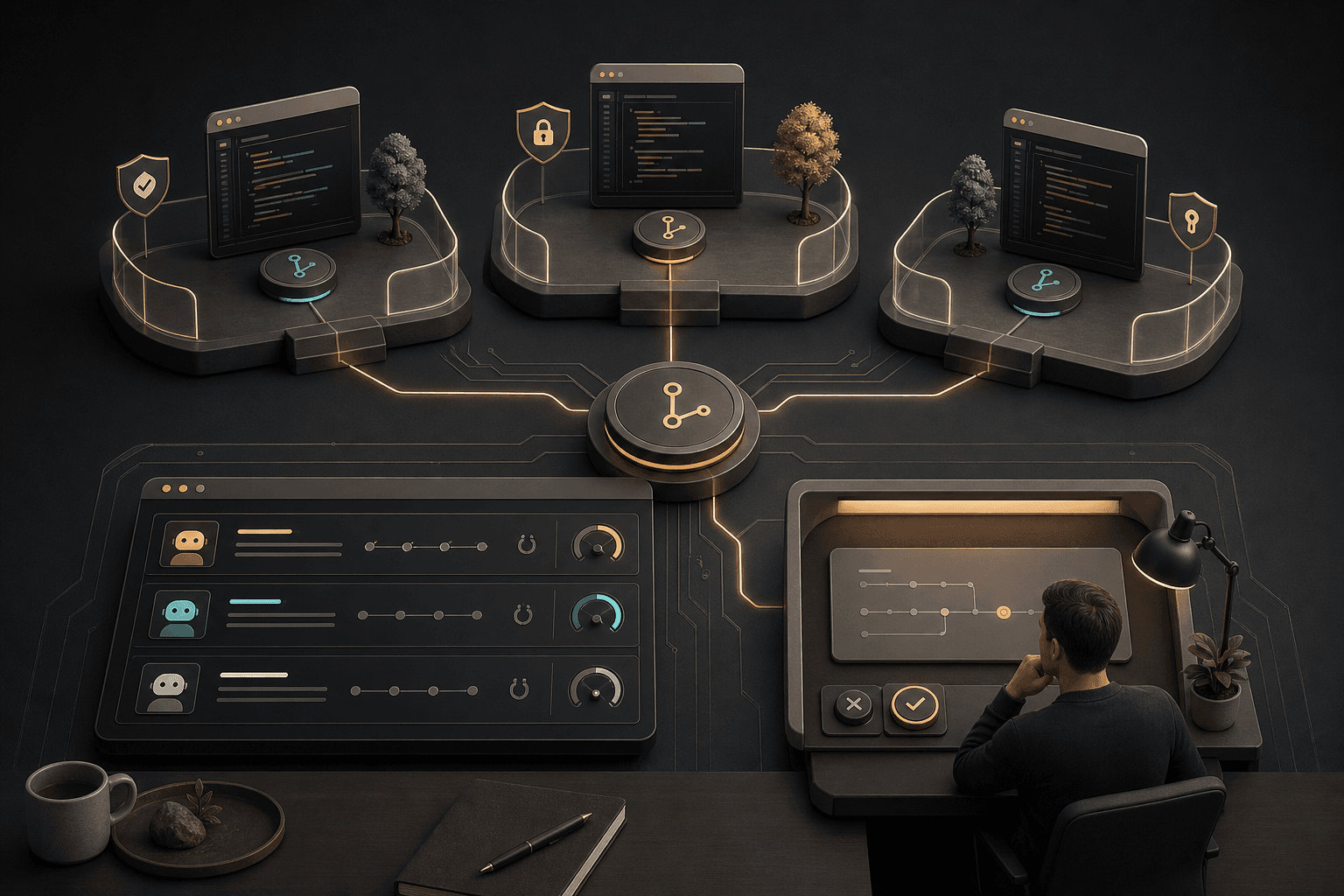
When a coding tool starts behaving more like a work environment than a chatbot, the key question is no longer just "can it write code?" It becomes "where may it work, what may it change, and when should a human stop it?" Claude Code 2.1.133 points directly at that question: isolated workspaces, clearer sandbox control, and more visible effort signals. For small businesses, this is a useful reminder for every AI automation project: define boundaries first, then add speed.
What changed in Claude Code 2.1.133
Claude Code is Anthropic’s agentic coding tool in the terminal: it can read a codebase, suggest changes, run commands, and help with Git workflows through natural language. In version 2.1.133, Anthropic added worktree.baseRef, so teams can choose whether new isolated workspaces start from origin/<default> or from local HEAD. That lets technical teams choose between a clean baseline and a workspace that includes local, unpublished changes.
The same release adds managed Linux and WSL settings for sandbox tools such as bubblewrap and socat, and exposes the active effort level to hooks and Bash commands through effort.level and $CLAUDE_EFFORT. A hook is a rule or script that runs at a specific event, such as before a change or after a command. Effort means how much reasoning the model is allowed to spend before answering, which affects quality, speed, and cost.
Source: Claude Code changelog 2.1.133
Why this matters even if you do not write code
A coding agent is an AI agent that can work inside a code environment, but the pattern is bigger than programming. An agentic workflow means the AI does not only answer; it plans steps, uses tools, and performs tasks within defined boundaries. That is the same logic as an administrative AI assistant sorting cases, updating a CRM record, or proposing the next step in a school project.
For Hammer Automation's best-fit audience, the signal is practical:
- Small businesses with limited time: do not start with full automation. Start with a bounded workspace where AI may analyze, but may not change critical systems without approval.
- Solo operators and administrators: use AI to create a safety checklist before it touches customer data, quotes, or invoices.
- Schools and education teams: use agentic tools as learning environments where staff and students practice boundaries, source criticism, and human review.
- Non-technical leaders: do not ask for "more AI" first. Ask first for clear workspaces, permissions, and review points.
This is naturally a Mindset Forge question before it becomes a Tool Forge question: which parts of the work may AI prepare, which parts may it execute, and where must a human make the decision?
The practical pattern: isolate, observe, approve
MCP, the Model Context Protocol, is a standard for connecting AI assistants to external tools and data sources in a more structured way. As Claude Code continues improving MCP OAuth, proxy handling, and tool-error reporting, the direction is clear: agentic work environments need better connections and better limits.
For a small Nordic team, the same pattern can become three simple rules:
- Isolate: test AI in a copy, a draft, a bounded folder, or a separate workspace.
- Observe: log which tools the AI uses, which assumptions it makes, and where it is uncertain.
- Approve: require a human yes before AI overwrites files, sends customer communication, or changes business-critical flows.
Anthropic’s latest npm registry record shows @anthropic-ai/claude-code publishing 2.1.133 on May 7, 2026 UTC, with 2.1.132 the day before. So this is a fresh release wave, but the core lesson is not the version number. It is that serious AI tools are moving toward governed work environments, not unrestricted shortcuts.
Source: npm registry for @anthropic-ai/claude-code latest
Try this prompt this week
Use this in Claude Code or a similar agentic coding tool. Run it in a non-critical codebase, a test folder, or an example project. Ask the tool to plan first and wait for approval before it changes files.
You are my AI reviewer for a safe agentic workspace.

Goal: analyze this codebase without changing files.

Do this in order:
1. Identify which folders or files are safe for a coding agent to read.
2. Identify which parts should never be changed without human approval.
3. Suggest a test workspace or worktree strategy for small, reversible changes.
4. List which commands you would like to run and why.
5. Stop and wait for my approval before running any command or writing any file.

Deliver the answer as:
- Recommended workspace
- Risk zones
- Suggested controls
- Questions I must answer before you may continue
A good result should provide:
- A clear boundary between analysis and change.
- Concrete risk zones, not only general warnings.
- A simple plan for human approval.
- Commands that are justified before they run.
What to watch next
Watch three areas in particular: how Claude Code handles plugins, how MCP connections are governed with OAuth and policy, and how sandboxes become easier to administer. A plugin is an add-on that gives a tool new capabilities, but it should be treated as a new permission, not as a harmless shortcut. A sandbox is a constrained environment where a tool may work without reaching everything on the computer or server.
For Hammer readers, the next step is to map one real workflow: for example quote drafting, support triage, document review, or lesson planning. Draw what AI may read, what it may suggest, and what it must never send or change without human control. That map often decides whether the next AI investment becomes safe automation or just another loose experiment.
Source: Anthropic engineering: update on Claude Code quality reports
The Forge newsletter
Get new articles in your inbox
Pick the topics you care about. No noise, at most one email a week.
We follow GDPR. Unsubscribe anytime.