Before AI reads another data source: fill out a connector intake sheet
 Adam Olofsson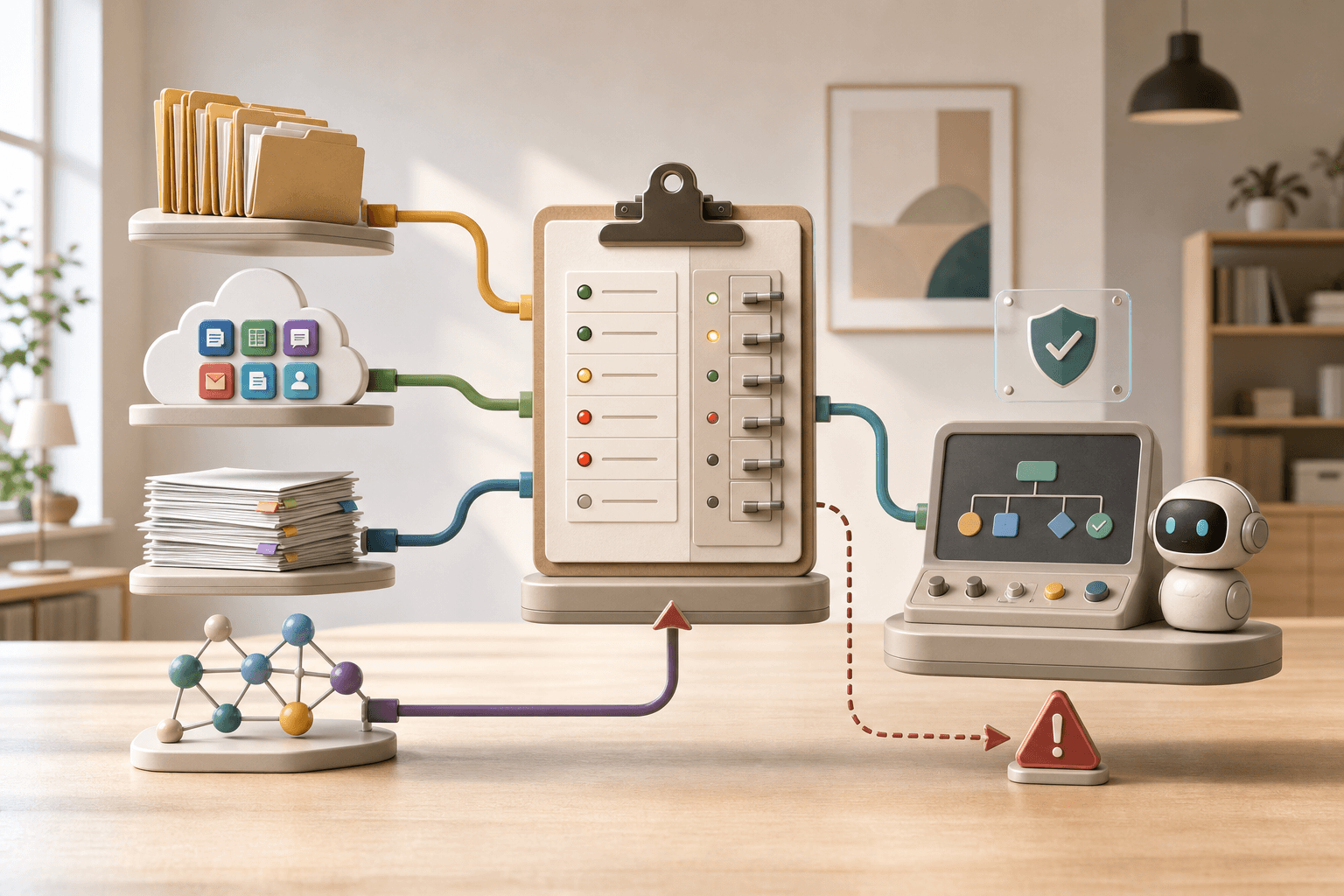
AI tools become much more tempting when they can read real systems. A support assistant that finds the right article by itself. A research helper that can look inside product documentation. An internal assistant that can search files, tickets, and external knowledge sources.
That is useful. It is also exactly the moment when many organizations need one extra step before "turn it on".
Google recently added new data sources to Gemini Enterprise Business edition: Apollo Graph OS, Clinical Trials, Crypto, Excalidraw, GoDaddy, Hugging Face, Microsoft Learn, and Trivago. Several are marked as read-only. The same help page says Gemini Enterprise only accesses what the user specifically authorizes, and that file actions through connectors have a 50 MB limit.
Source: Gemini Enterprise Business edition release notes
Source: Connect your Google apps and third-party data
Read-only sounds safe. But read-only does not mean: no owner, no failure plan, no decision about which answers AI may build on that source. That is why I like a simple connector intake sheet: one page you fill out before AI gets a new data source.
A connector intake sheet is not more policy work
It is the opposite. It keeps you out of long policy threads once the connector is already in daily use.
Write it short, ideally on one page:
- Which data source are we connecting?
- Which job should AI help with?
- Who owns the source and the permission?
- Is the connector read-only, or can it create, edit, send, or download something?
- How fresh does the information need to be for the answer to be useful?
- Which human reviews the output before it reaches a customer, student, patient, supplier, or leadership team?
- What do we say when the connector fails?
- How do we turn it off or roll it back?
That gets you surprisingly far. The point is not to slow the connector down. The point is to know what you just connected.
Read-only can still produce the wrong answer
A read-only connector can still cause trouble. AI can fetch outdated documentation, find a page that is technically correct but irrelevant to the customer's situation, or miss that a file is too large to handle. It can also build an answer from a source that only a specific user was supposed to see.
That does not make the connector bad. It makes it human enough to need routines.
A useful intake sheet therefore captures three things teams often skip:
- Limit: file size, permission, license requirement, language, region, or data that should not be used.
- Freshness: how often the source changes, and when AI should say "I do not know" instead of guessing.
- Trace: where you can see that the connector was used, who approved it, and which answer it influenced.
The failure message should name the step, not blame "AI"
Mistral's status activity shows why this matters. On May 23, Mistral had several short, resolved incidents across the Conversations API, Integrations API connectors such as code_interpreter and image_generation, and the OCR API. That is not the same as "Mistral was down". It means specific steps inside AI workflows were having trouble.
Source: Mistral AI status activity
Source: Mistral incident: Connector code_interpreter Degraded
For an organization using AI for document intake, research, code interpretation, or image drafts, the difference matters. Do not say "AI is broken" if the OCR step cannot read documents. Say: "Document extraction is delayed. We are using manual review for these cases and will update again at 14:00."
That is calmer. It is also truer.
Copy this connector intake sheet
Use this version as a starting point. Change the wording so it fits your work.
1. The data source
Source name:
Owner:
What type of information lives here?
Does it include sensitive information, customer data, student data, personal data, or contracts?
2. The job AI should help with
AI should use the source to:
AI must not use the source to:
The answer must be reviewed by:
3. Permission and behavior
The connector is read-only, read and write, read and send, or unclear until someone has tested it. Write down which one applies.
Which users may activate it?
Which files or objects must never be passed on?
Are there file-size limits, export limits, or license requirements?
4. Freshness and source receipt
How old may the information be?
Should AI show the source, link, or filename in the answer?
When should AI answer "I need a human"?
5. Failure plan
If the connector fails, we do this:
Message to customer or internal user:
Manual fallback:
Status page or support channel to check:
Who decides when we pause the connector?
6. Turn-off path
How we remove the permission:
How we find answers or files already created with the source:
How we inform affected people if the connector changes:
A small example
Say an education provider wants AI to read external course documents and internal routines so staff can answer questions faster.
Without an intake sheet, the question easily becomes: "Does the connector work?" With an intake sheet, the question gets better:
- May AI only read the material, or may it also draft emails?
- Which source wins if the internal routine says something different from the external documentation?
- Must the answer show a link to the source?
- Who owns the answer if the connector is down and staff use a manual template?
That is where the value starts. Not in another button. In giving the connection an owner and a fallback route.
When Hammer can help
If you already use AI against files, SaaS systems, customer history, or external knowledge sources, a connector intake sheet can become the first part of a safer routine. Tool Forge fits when the workflow itself needs to be built or tested. Mindset Forge fits when you need to define boundaries, roles, and language before more people get access.
Start small: choose one connector that already feels useful, fill out the sheet above, and test what happens when the source is missing, stale, or down. That test tells you more than another demo.
The Forge newsletter
Get new articles in your inbox
Pick the topics you care about. No noise, at most one email a week.
We follow GDPR. Unsubscribe anytime.


