AI changes in the background: your workflows need a change log

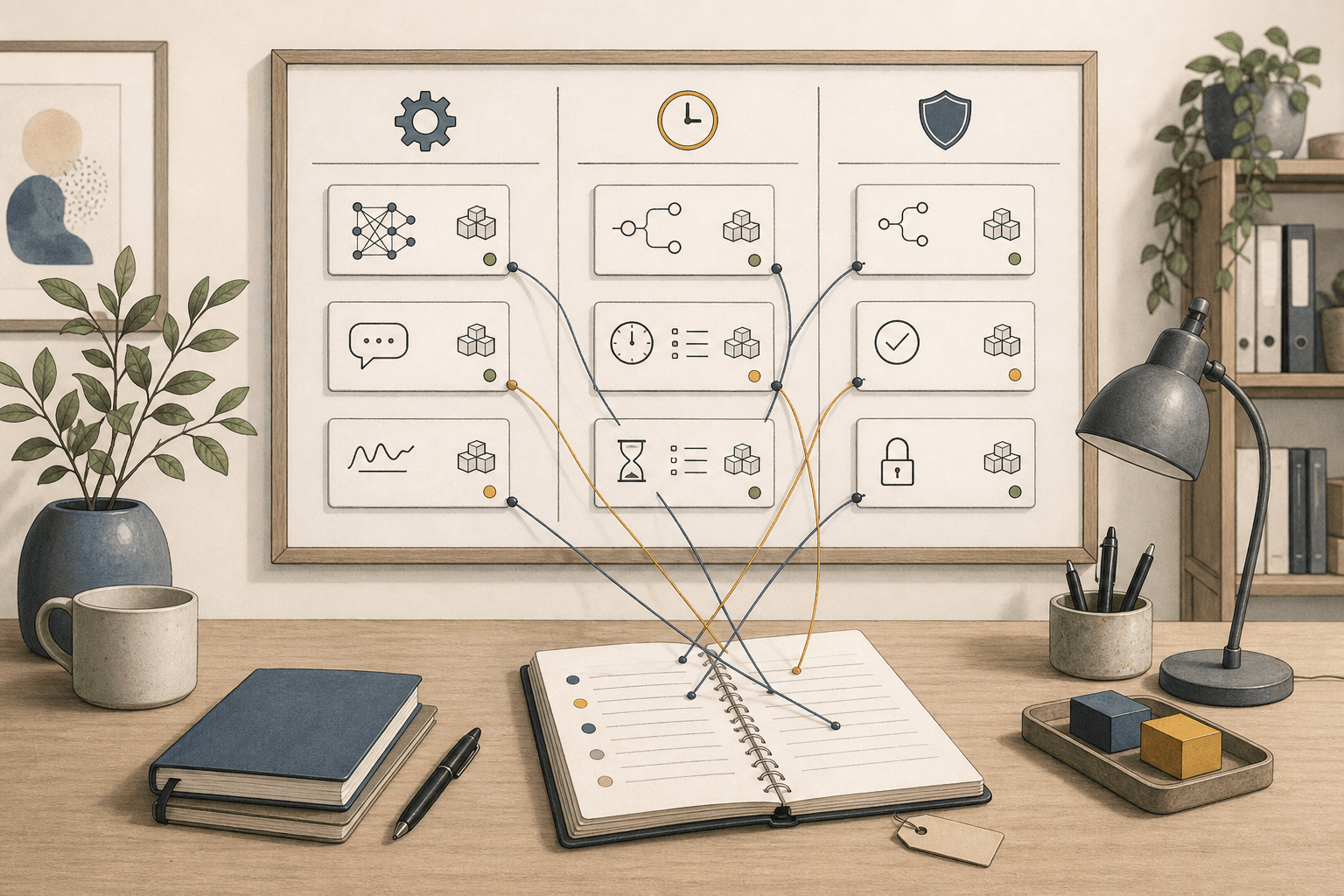
The risky part of AI tooling is not only when it goes down. It is when the tool changes behavior and nobody in the organization notices.
This week had three small signals: OpenAI changed an API default for prompt caching, Google AI Studio had a partial UI outage, and Claude Code shipped a release that explicitly had no user-facing changes. Three different events. Three different decisions for anyone running real workflows.
A changed default is not the same as a new feature
OpenAI wrote on May 29 that prompt_cache_retention now defaults to 24h for organizations without ZDR on v1/responses, v1/chat/completions, and v1/batch. The previous default was in_memory.
Prompt caching means the provider can reuse already processed prompt prefixes to reduce latency and cost. prompt_cache_retention controls how long that cache may live. ZDR, Zero Data Retention, is OpenAI's mode where certain customer data is not retained under the normal retention policy. For ZDR organizations, OpenAI still describes the omitted-parameter default as in_memory.
Source: OpenAI API changelog, May 29, 2026
This does not mean your prompts suddenly sit in an open database. OpenAI's prompt caching guide says extended caching may retain key/value tensors in GPU-local storage, while the original prompt text is only retained in memory. But it is still an operational question: if a workflow handles customer cases, student information, contract text, or internal finance, retention should not be something you accidentally inherit from a vendor default.
Source: OpenAI prompt caching guide
The practical decision is simple: set retention explicitly where it matters. If you choose 24h, write down why. If you need in_memory, document it and test that your code, integration layer, or no-code tool actually sends the parameter.
A yellow status box is not always an API outage
On May 31, Google AI Studio had an official status entry for a partial outage affecting many AI Studio features. That sounds dramatic, but the wording matters: the entry pointed to AI Studio features, not automatically to all Gemini API traffic.
AI Studio is Google's browser-based environment for building, testing, and evaluating Gemini work. Many teams use it as the first place for demos, evaluations, and prompt tests. That is reasonable. It is also fragile if the same web surface becomes your only evidence that a workflow works.
Source: Google AI Studio status
If a demo, client workshop, or internal training depends on a vendor UI, you need a fallback. Save test prompts. Keep sample data you can show offline. Run at least one API-based synthetic check for anything that later becomes production. And mark incident windows in your evaluations, otherwise you may compare tools under different conditions without seeing it.
A new release can also mean: do nothing
Claude Code v2.1.159 was published on May 31 with the note "Internal infrastructure improvements (no user-facing changes)". That is worth recording precisely because it does not require panic.
Source: Claude Code v2.1.159 release
Not every release note should become an internal project. Some should just land in the log: read, no action, check again at the next planned review. That is what a change log is for. It prevents both blind operation and pointless activity.
Claude Status also shows why component-level scope matters. An incident can affect a specific model, app surface, or login flow, not the whole vendor. If the team chat only says "Claude is down", you lose the useful part.
Source: Claude Status incident history
What to log each month
Do not make this heavy. A simple AI change log gets you far if it captures the right things:
- Workflow: which process is affected, such as customer replies, quotes, lesson planning, report drafts, or an internal knowledge assistant?
- Vendor and mode: does it run through ChatGPT, an API, AI Studio, Claude Code, a cloud-provider path, or a no-code tool?
- Changed default: did the model, cache, retention, access, pricing, status component, or release channel change?
- Data class: does the prompt contain customer data, personal data, contracts, internal finance, or harmless template text?
- Explicit setting: are important defaults set in code or configuration, or left to the vendor?
- Test: what small check proves the workflow still does the right thing?
- Owner: who can say "pause", "continue", or "we need to tell the client"?
This is not paperwork for its own sake. It is the difference between "AI feels unreliable" and "we know what changed, what it affects, and who owns the decision".
Start with one workflow
Do not start with the whole AI stack. Pick one weekly workflow where mistakes would be noticed: a customer-service template, a draft report, an internal knowledge assistant, or a demo you often show clients.
Write down the vendor, model or tool, what data gets sent, which defaults matter, and how you test the output after a change. If the list feels embarrassingly short, you found the work. If it gets long, you also found the work.
For Hammer customers, this often sits between Mindset Forge and Tool Forge: first decide which decisions need owners, then build the small checks that make the workflow trustworthy.
The Forge newsletter
Get new articles in your inbox
Pick the topics you care about. No noise, at most one email a week.
We follow GDPR. Unsubscribe anytime.