Google Antigravity release notes: 2.10.0 adds terminal and Git, CLI 1.1.21 adds voice
Part of the series: Google Antigravity release notes

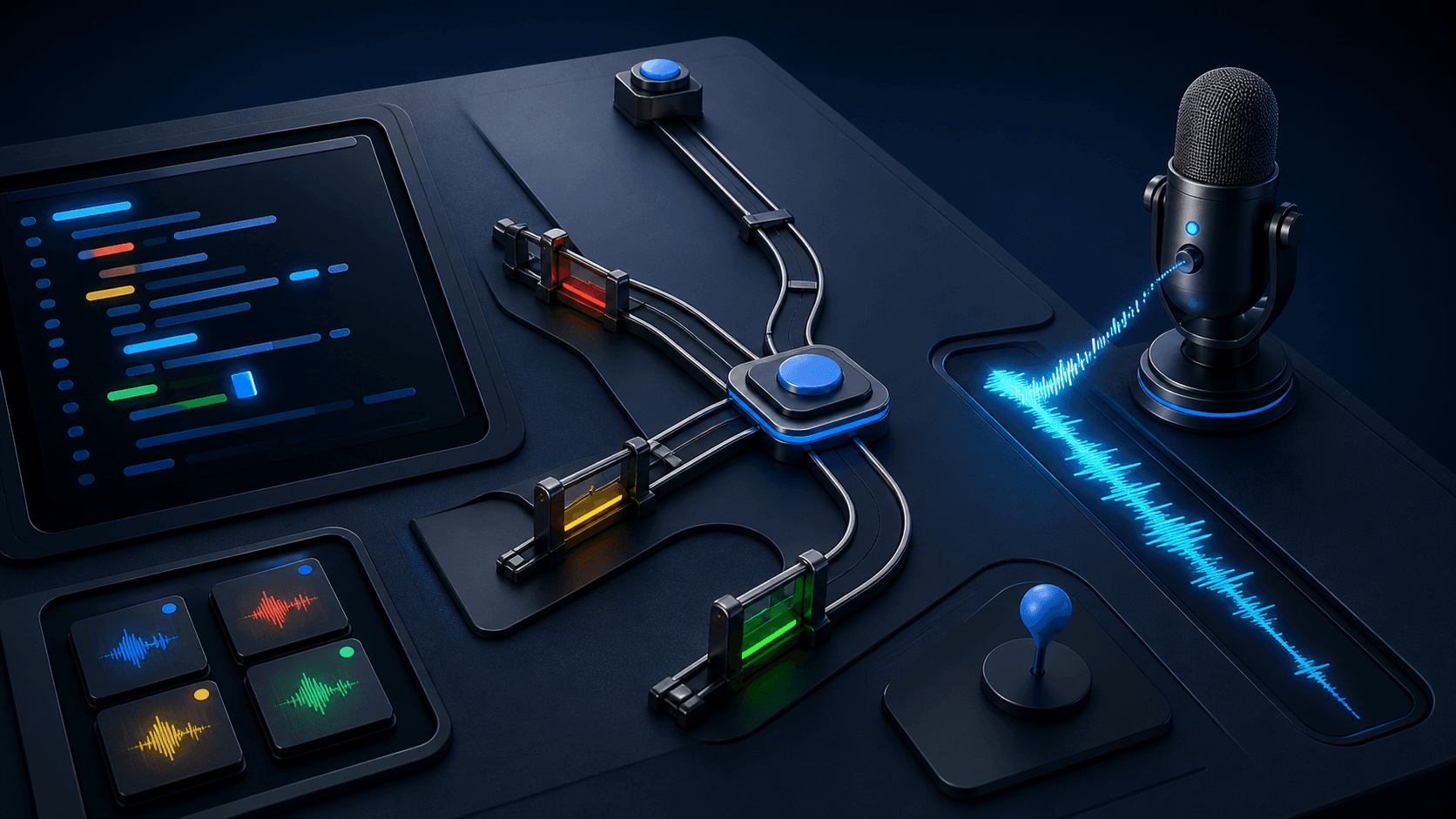
Google Antigravity 2.10.0 now has an embedded terminal in the sidebar and Git controls in the Review pane. Antigravity CLI 1.1.21 also adds voice dictation directly in the prompt. Antigravity is Google's agentic work environment for running and reviewing AI agents in projects.
Google Antigravity release notes 2.10.0: terminal and Git in one workspace
Open the embedded terminal in the sidebar with Ctrl + ` on Windows and Linux or Cmd + ` on macOS. You can run the project's build commands, tests and scripts without leaving Antigravity.
The Git controls are in the Review pane. You can inspect working-tree changes, add or remove files from staging, and create commits there. Google also says Git is more responsive in large repositories and projects with submodules.
Version 2.10.0 can attach audio through the file picker or drag and drop. It accepts MP3, WAV, M4A, AAC, OGG, FLAC and OPUS files up to 20 MB. Image review now supports region comments, while MCP and custom-tool steps show structured arguments and result previews. MCP, or Model Context Protocol, is an open standard that connects AI agents to external tools and data sources.
The rollout is gradual and may take a few days to reach every user.
Source: Google Antigravity changelog, version 2.10.0.
Antigravity CLI 1.1.21 adds voice dictation
In the CLI, press F5 or run /voice to start and stop dictation. Speech is transcribed directly into the prompt field before you send it to the agent. If the CLI runs on another machine over SSH, the mic-serve subcommand can forward your local microphone.
An account can have one live dictation stream at a time. The release also adds a cost field to the status-line data model, allowing a custom status line to display the session's unrounded estimated cost.
Source: Antigravity CLI 1.1.21 release notes.
Short example: use the new Antigravity feature
Human step: Open the project in Antigravity 2.10.0. Use Ctrl + ` or Cmd + ` to run the project's usual checks in the terminal, then open the Review pane. In CLI 1.1.21, you can press F5 or run /voice and dictate the prompt below.
Inspect the current working-tree changes. Group them into proposed commits, name the relevant test command for each group, and flag files that do not fit. Do not stage or commit anything.
Good output should:
- Map every proposed commit to named files.
- Take test commands from the project or mark them
UNKNOWN. - Leave staging and Git history unchanged.
Once the grouping looks right, you can select files and create commits in the Review pane yourself.
Source: Google Antigravity changelog, version 2.10.0.
FAQ
How do I open the terminal in Google Antigravity 2.10.0?
Open the embedded terminal in the sidebar with Ctrl plus backtick on Windows and Linux or Cmd plus backtick on macOS.
Can Antigravity CLI run multiple voice dictation streams at once?
No. CLI 1.1.21 allows one live dictation stream per account. Start or stop it with F5 or /voice.
The Forge newsletter
Get new articles in your inbox
Pick the topics you care about. No noise, at most one email a week.
We follow GDPR. Unsubscribe anytime.