Google Antigravity release notes: 2.5.0 and CLI 1.1.10 control identity and model choice
Part of the series: Google Antigravity release notes

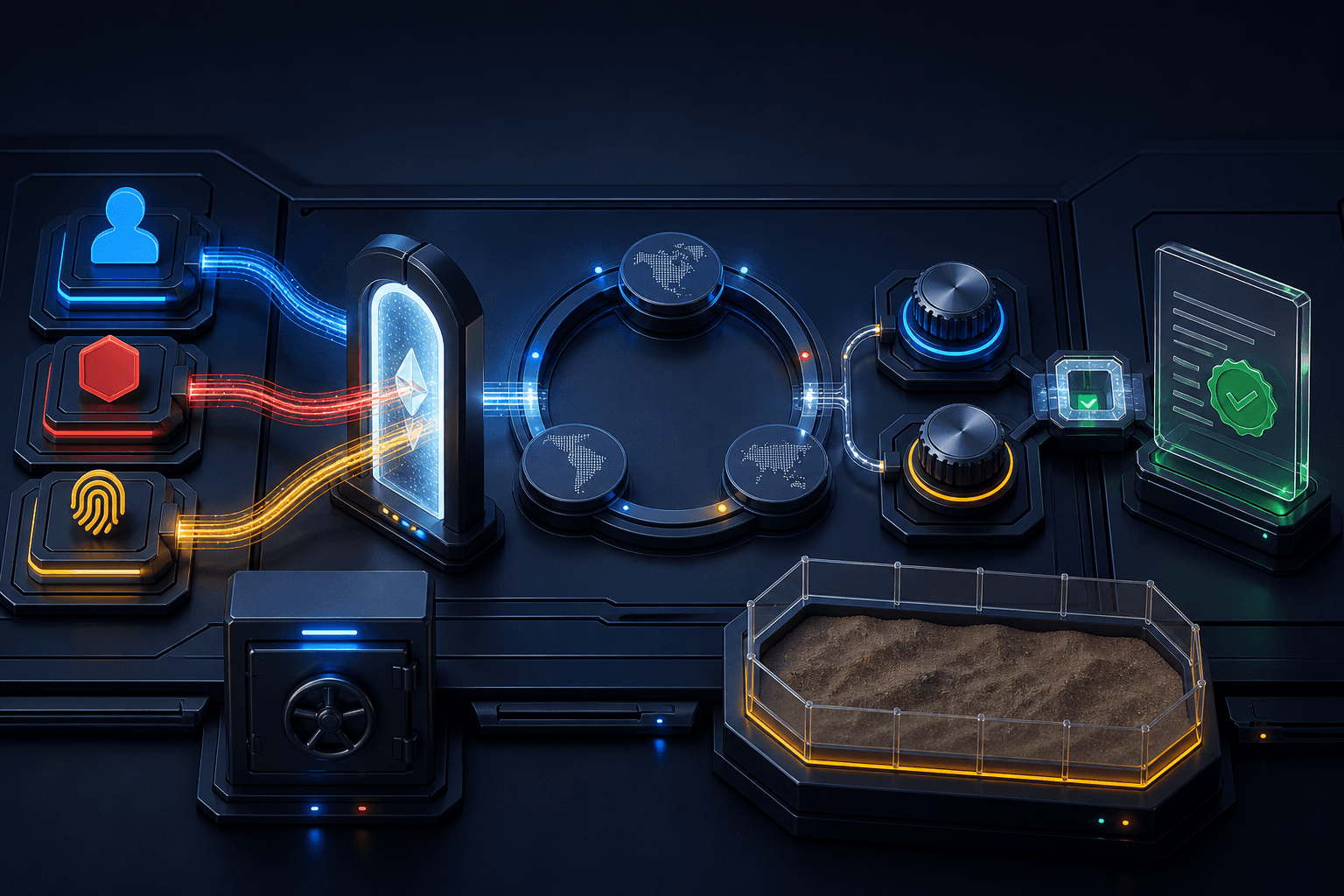
Google Antigravity 2.5.0 and CLI 1.1.10 focus on details that matter once an agent enters real work: who signs in, which region runs the model, and whether the selected model is actually used. The app release is dated July 31. CLI 1.1.10 was published on August 3.
Google Antigravity is Google's agentic development platform, where agents can work with code, terminals, and connected tools inside a project. "Agentic" means the system can plan and perform several steps toward a goal rather than answer a single question.
Google Antigravity release notes: two changes to test
Antigravity 2.5.0 adds enterprise sign-in and regional inference
Antigravity 2.5.0 supports Gemini Enterprise accounts with organization admin controls. Google lists license seats for GE-Standard and GE-Plus, along with model inference in US, EU, or Global regions. Organizations that federate identity through an external provider can choose Advanced SSO.
The release also adds Low, Medium, and High reasoning effort per model. Administrators get policies for browser features, MCP allowlists, and permission thresholds. MCP, the Model Context Protocol, is an open protocol that lets an AI client connect to external tools and data sources through a standard interface.
Fixes include refreshing OAuth tokens for MCP connections without wiping saved credentials, plus corrections for agent deadlocks and empty workspaces. Google rolls versions out gradually, so 2.5.0 may reach accounts at different times.
Source: Google Antigravity changelog, version 2.5.0.
Antigravity CLI 1.1.10 makes identity and run choices more reliable
The CLI release brings the same enterprise support to the terminal. It adds Gemini Enterprise sign-in, Workforce Identity Federation through the Use advanced SSO config option on the Google Cloud sign-in screen, and Application Default Credentials for Agent Platform.
The practical fix is in --model and --effort. Those flags could previously be ignored in interactive sessions and headless -p runs, causing the run to fall back to a persisted or default model. Version 1.1.10 applies the flags when model configuration is initialized. A bare --effort now resolves against the model you actually selected.
Google also made .git read-only inside the terminal sandbox, corrected the ordering of PostInvocation and Stop hooks, and made a stop cover the full subagent tree. Blocked network requests should now be logged even when the command itself exits successfully. A sandbox is a bounded runtime that limits what an agent's tools can read, change, or reach over the network.
Source: Google Antigravity CLI 1.1.10 release notes.
Why this matters in a real workflow
For teams connecting Antigravity to real repositories and tools, this is more useful than another interface release. Identity, region, model, and reasoning effort can now belong to the same reviewable run.
A Nordic team can test this directly: use the organization's intended sign-in path, choose the EU region when policy calls for it, run an existing read task with a defined model and effort, and record what the run actually used. Keep API secrets in environment variables or a secret manager, give integrations scoped permissions, and route writes or external actions through an approval gate.
Human step: prepare the test
- Confirm that Antigravity 2.5.0 and Antigravity CLI 1.1.10 have reached the account or machine before testing.
- If the organization uses Workforce Identity Federation, select
Use advanced SSO configon the Google Cloud sign-in screen. Otherwise, use the sign-in method approved by the administrator. - Re-run an existing headless routine with its intended
--model,--effort, and-pflags. Full model names vary by account, so use a model ID that your own environment lists as available. - Compare the run receipt with the organization's identity, region, tool, and approval requirements.
Short example: use the new Antigravity feature
Once a human has set identity, region, and run choices, the agent can perform a read-only check:
Inspect the current project and visible runtime configuration without changing files or settings. Produce a run receipt with the selected model, reasoning effort, workspace, available tools, requested network access, and approval points. Mark anything you cannot verify as UNKNOWN, then propose one read-only test that would confirm the setup.
Good output should:
- separate verified values from
UNKNOWN, - show the model, reasoning effort, and available tools,
- propose a read-only test without changing files or settings,
- state where a human must approve the next step.
What to watch after updating
Inspect the first runs instead of assuming the policy was followed. The receipt should show the model and effort you selected, the correct region where it is visible, and any blocked network requests. Tool Forge can carry the same identity and permission model into a recurring integration, together with approval points and run logs.
FAQ
What changes in Google Antigravity 2.5.0?
Version 2.5.0 adds Gemini Enterprise sign-in, Workforce Identity Federation through Advanced SSO, model inference in US, EU, or Global regions, and Low, Medium, or High reasoning effort per model.
What does Antigravity CLI 1.1.10 fix?
CLI 1.1.10 fixes an issue where --model and --effort could be ignored in interactive sessions and headless -p runs. It also corrects subagent-tree stopping, hook ordering, and blocked-network-request logging.
Do I need to change my Antigravity command?
The release notes describe a behavior fix rather than a mandatory migration. Update to 1.1.10, re-run the existing routine with its intended --model, --effort, and -p flags, and verify the selected model and effort in the run receipt.
The Forge newsletter
Get new articles in your inbox
Pick the topics you care about. No noise, at most one email a week.
We follow GDPR. Unsubscribe anytime.