Do not let AI launch campaigns. Give it a campaign room first

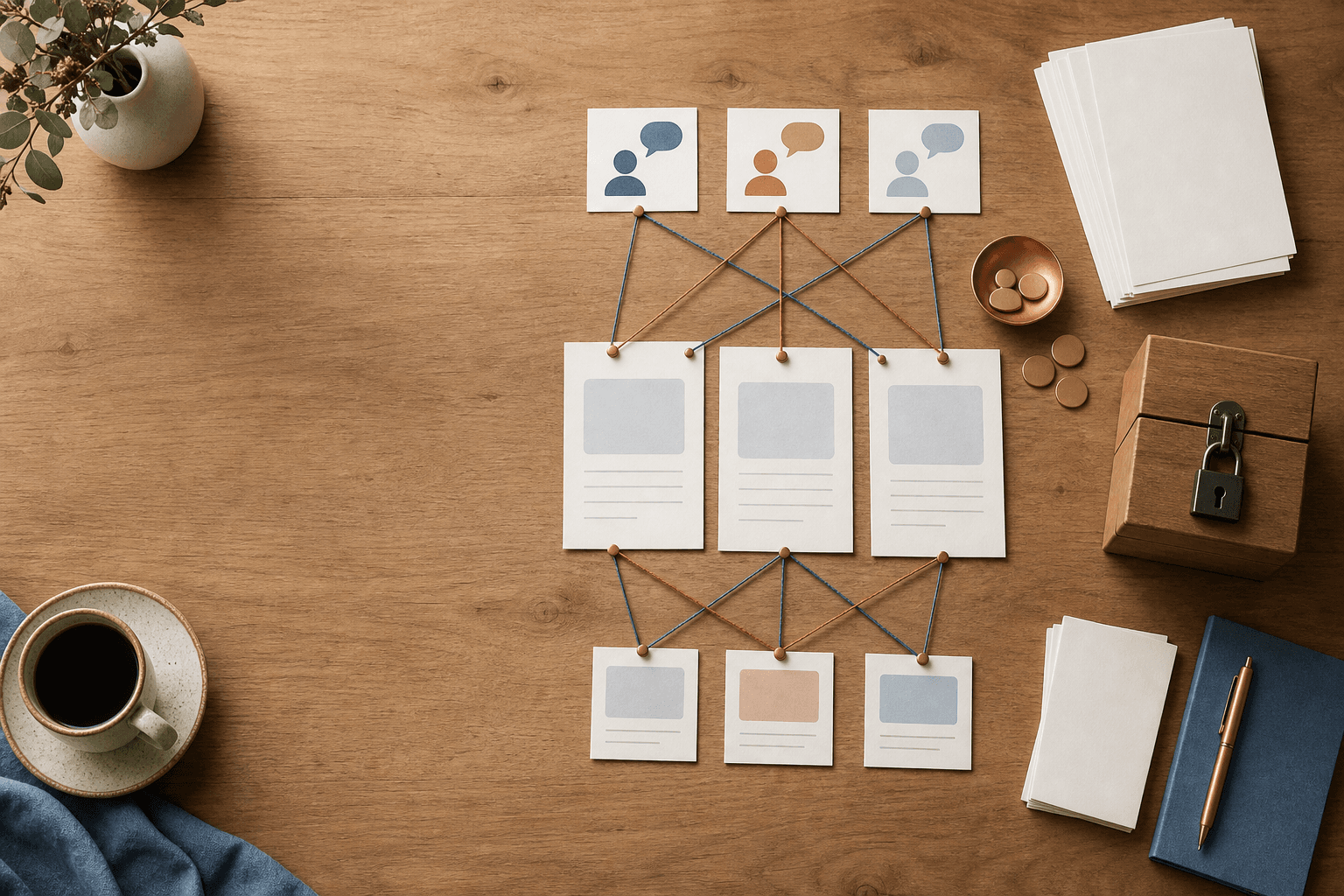
It usually starts innocently. Someone asks AI for a campaign draft. Then an email. Then three LinkedIn posts. Suddenly the team has fifteen versions, but nobody is quite sure which offer, which sources, or which next step is actually correct.
That is why today's signal is not really "AI can create more marketing". The useful lesson is simpler: if AI is going to help with campaigns, it needs a campaign room first.
A campaign room is a small workspace where you collect the goal, offer, customer questions, source material, channel, owner, and approval rule before AI writes or sends anything. It can be a Notion page, a Google Doc, an Airtable view, a Teams folder, or a plain markdown file. The tool matters less than the discipline. AI gets the right context and clear stop points.
Today's signal: marketing is becoming agent work
Salesforce recently described a future where marketers get their own AI team: agents that help build pipeline, create content, and run campaigns while the human owns the strategy. In the same announcement, Salesforce says Rawlings reported 75 percent faster campaign creation with Agentforce Marketing. It also points to Piper, Qualified's AI SDR agent, which can qualify website visitors in real time.
Source: Salesforce Puts an AI Marketing Team in Every Marketer's Hands
Salesforce Summer '26 points in the same direction. It includes Multi-Agent Orchestration in Agentforce, Agentforce Self-Service, and a Customer Engagement Agent that can speak with and qualify buyers across websites and email. Yes, the language is very enterprise. But the pattern matters for a hair salon, a bookkeeping firm, a small course provider, or a school too: AI is moving from "write this text" to "help me move the customer journey forward".
Source: Summer '26 Release: 10 Innovations Bringing the Agentic Enterprise to Life
The third piece is governance. Salesforce and Databricks describe how AI agents need to understand data, permissions, approvals, and workflows before they act. That sounds like a large-enterprise concern. I almost read it the other way around. Small teams have less room for mistakes. One odd campaign send or one wrong follow-up can be felt immediately.
Source: Salesforce Partners with Databricks to Help AI Agents Turn Trusted Data into Trusted Action
What this means for small teams
There is a temptation to read news like this as a software decision: should we buy Salesforce, HubSpot, Zapier, Canva, Notion, or something else? Sometimes that is the right question. More often, it is too early.
For a one-to-ten-person business, the better question is:
Which recurring marketing or sales flow would improve if AI had the right sources, but still needed human approval?
Examples:
- A restaurant wants Friday's lunch campaign from the menu, the weather, and last week's most popular dish.
- A consultant wants to follow up website leads without every reply turning into a generic sales pitch.
- A driving school wants to explain course information to different audiences without promising the wrong times or prices.
- A school wants to invite parents to an information meeting with the right date, audience, and next step.
This is not science fiction. It is ordinary office work with better structure. AI can help, but only if you give it a room to work in.
Build a campaign room before you build a campaign
A campaign room does not need to be big. It only needs to answer the questions that otherwise sit in someone's head, an old email, or a half-finished chat.
Create a page or folder with these parts:
- Campaign job: What should happen after the campaign? Book calls, sell tickets, collect signups, gather interest, answer questions?
- The offer: What are you offering, to whom, during which period, and with which limits?
- Customer questions: Which three to six questions does the customer need answered before they can take the next step?
- Sources: Links to the product page, price list, calendar, menu, course plan, policy, or previous material. Add dates to the sources.
- Voice and boundaries: What may AI promise? What should it avoid? Which phrases do not sound like you?
- Channels: Email, website, social, newsletter, sales follow-up, or customer service.
- Approval: Who has to read it before anything is published or sent?
- Log: What did AI suggest, what did the human change, and what was finally published?
This is not bureaucracy. It is how you avoid restarting from scratch every time someone types "can you make a campaign?" into an AI chat.
The 50-minute test: make a campaign room for one real offer
Choose an offer you can actually use this week. Not the whole marketing plan. Not the brand strategy. One campaign.
Minute 0 to 10: choose the campaign job
Write one sentence: "This campaign should help [audience] do [next step] because [value]."
Example: "This campaign should help parents of eighth-grade students sign up for the information evening because they need to understand how the summer course works before the registration deadline."
Minute 10 to 20: collect the sources
Add the real links or files. If price, date, or opening hours may change, mark that clearly. Also write who owns the source.
Minute 20 to 30: write the customer questions
Use questions a real person would ask. "What does it cost?" "When do I need to decide?" "Is this right for me?" "What happens after I fill in the form?"
Minute 30 to 40: decide AI's task
Do not ask AI to "do marketing". Give it one clear job: create three subject lines, write a first email draft, suggest a FAQ, make a landing page easier to understand, or sort leads by next step.
Minute 40 to 50: set the stop point
Decide what requires a human yes. My recommendation: anything with price, date, promises, legal wording, student information, customer data, or automatic sending should stop for review.
Copy-paste prompt: let AI read the campaign room
Paste this into any AI assistant once the campaign room is ready. Replace the brackets with your material.
You are my campaign assistant. Use only the information in the campaign room below, and say clearly when something is missing.

Campaign job:
[one sentence]

Audience:
[the people this campaign should help]

Offer:
[what is offered, period, price, limits]

Sources:
[links or pasted excerpts with dates]

Customer questions:
[3-6 questions]

Voice and boundaries:
[words we use, words we avoid, things we never promise]

Channel:
[email/web/social/sales/customer service]

Your task:
1. Check whether the campaign room is missing anything important.
2. Suggest a short campaign angle in plain language.
3. Write a first draft for the channel above.
4. List every factual claim that needs human checking.
5. Suggest the next manual step before anything is published or sent.

Do not write like an ad agency. Write clearly, concretely, and with respect for the reader's time.
The most important part of the prompt is not the tone. It is task four and five: missing information and factual claims that need checking. That is where a useful AI workflow differs from a confident text generator.
Three small campaign flows worth testing
Lunch campaign for a restaurant
Sources: weekly menu, opening hours, maybe a weather note, and previously popular dishes. AI may write two email variants and three social posts, but it may not change price or opening hours. A human approves before publishing.
Course campaign for a school or educator
Sources: course plan, date, place, audience, registration link, and contact person. AI may write a clear invitation and a short question-and-answer list. A human checks the date, age group, and wording about results.
Follow-up for a consultant or agency
Sources: service page, previous proposal template, calendar link, and common objections. AI may sort leads into "book", "needs more information", and "not right now" and suggest replies. It should not send automatically until you have tested the flow and logged the outcome.
Integrate safely without making AI useless
Safe integration does not mean keeping AI away from everything useful. It means giving AI the right kind of access.
Start with read access where that is enough. Use separate API keys for AI flows, not someone's private login. Put secrets in environment variables or a secret manager. Give the least permission possible: a campaign agent may need to read a product list and write a draft, but not change prices or send newsletters.
Add redaction where needed. A lead list can often be tested with names and emails hidden, while keeping the question, interest, and next step. Save a simple audit log: time, source, AI suggestion, human change, and published result. Dry? Yes. Useful? Very, once you want to know what actually worked.
Where Hammer fits
This is a typical Hammer workflow because it sits between behavior, tools, and a finished routine.
Mindset Forge helps the team decide what AI may do and where the human still owns the decision. Tool Forge builds the actual setup: campaign room, sources, prompt, approval, log, and any integrations into CRM, newsletter, or support tools. Skill Forge makes it repeatable, so the next campaign does not start in an empty chat.
Start small. Pick one offer. Build the campaign room. Let AI produce one draft and one checklist. If that saves time without lowering quality, you have found something worth automating properly.
FAQ
What is an AI campaign room?
An AI campaign room is a small workspace where the team collects the campaign goal, offer, customer questions, sources, channel, owner, and approval rule before AI writes drafts or suggests next steps.
Does a small business need Salesforce to use this idea?
No. Salesforce is today's source, but the workflow works in simpler tools such as Google Docs, Notion, Airtable, Teams, or a normal folder. Start with the structure before choosing a larger system.
How can AI be integrated safely into campaign work?
Start with read access, separate API keys, environment variables or a secret manager, least-privilege permissions, redaction of sensitive fields, human approval before sending, and a simple run log.
The Forge newsletter
Get new articles in your inbox
Pick the topics you care about. No noise, at most one email a week.
We follow GDPR. Unsubscribe anytime.


