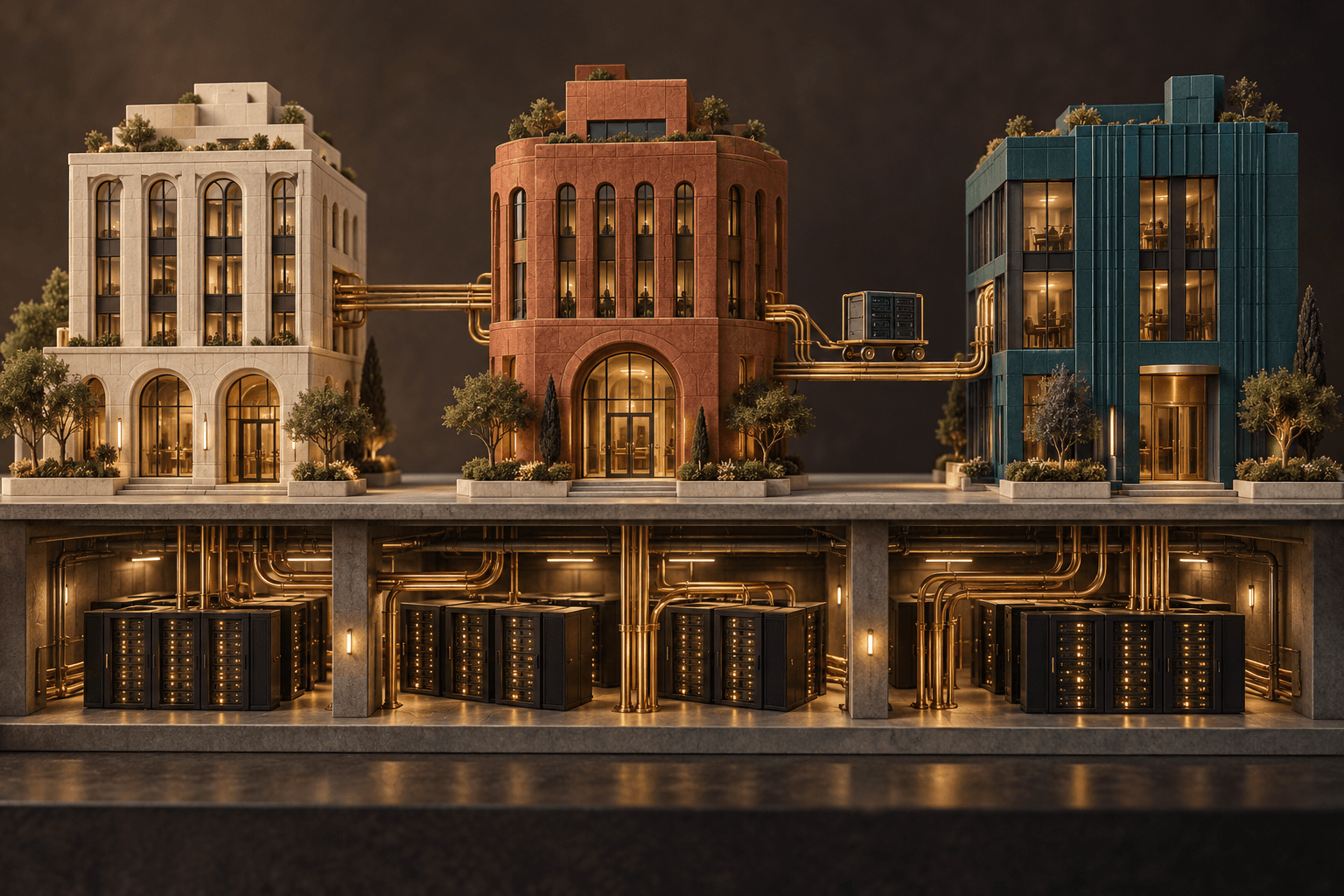
Claude gets more room to work: test safe prototypes


When AI tools feel unreliable, the usual advice is: wait. The current Claude signal points the other way. More capacity and better visual workspaces mean a small team can test a concrete prototype in one afternoon — if human review is designed before anything is automated.
Today’s signal: more capacity, fewer excuses
On May 6, Anthropic announced higher usage limits for Claude Code and the Claude API. For Claude Code, that includes doubling five-hour rate limits for Pro, Max, Team, and seat-based Enterprise plans, and removing peak-hour limit reductions for Pro and Max. The background is a new compute agreement with SpaceX that Anthropic says provides more than 300 megawatts of new capacity and over 220,000 NVIDIA GPUs.
Source: Anthropic – Higher usage limits for Claude and a compute deal with SpaceX
This is not a verified major Claude release from the last 24 hours. It is still a practical signal: when the capacity ceiling rises, it becomes easier to rerun, compare, and improve a workflow without the whole test being stopped by limits.
What this means for small teams
For a Swedish small-business owner, school leader, or solo consultant, the point is not that Claude can do “more AI”. The point is that you can spend more iterations on the same safe question: is this actually useful, understandable, and reviewable?
A good first area is prototypes. Claude Design, which Anthropic launched in research preview in April, lets users create and refine visual work such as designs, prototypes, presentations, and one-pagers. Anthropic also describes imports from documents, images, codebases, and web captures, plus exports to formats including PDF, PPTX, Canva, and standalone HTML.
Source: Anthropic – Introducing Claude Design by Anthropic Labs
A prototype is an early, testable version of an idea. It should not replace your process immediately. It should make the process visible enough for the team to say: “we can approve this”, “this needs human control”, or “we should not automate this”.
Separate prototype, agent, and automation
An agentic workflow means the AI can plan multiple steps and sometimes use tools. A coding agent, such as Claude Code, works in code environments and can propose or perform technical changes when it has the right permissions. MCP, the Model Context Protocol, is an open standard for connecting AI apps to tools and data sources.
Anthropic’s public Claude Code changelog shows that the latest published versions are still 2.1.138 with internal fixes and 2.1.137 with a Windows VS Code activation fix. In other words: today’s best use for many non-technical teams is not chasing a new button, but using the steadier release window to design clear decision points.
Source: Claude Code Docs – Changelog
For developer teams, Anthropic’s MCP connector documentation shows how the Claude API can connect to remote servers through MCP and how tools can be allowed or denied. For small organizations, the simpler lesson is: do not give every tool every permission just because it is possible.
Source: Anthropic Docs – MCP connector
Try this prompt this week
Use this prompt in Claude desktop/chat or Claude Design. Use only fictional or anonymized examples. Do not connect real customer systems, calendars, CRM, or financial data in the first test.
I want to create a safe prototype for a recurring workflow in a small Swedish team.

Choose one of these areas: customer follow-up, quote preparation, internal weekly report, or lesson planning.

Help me produce:
1. A simple one-page description of the current workflow.
2. A prototype idea Claude can help sketch without using sensitive personal data.
3. Which data is fictional in the first test and which data should never be uploaded.
4. Three human approval points before anything is sent, published, or connected to a tool.
5. A test script for a 30-minute workshop with two people.
6. A list of signs that the prototype is worth developing further — and signs that we should stop.

Answer practically, briefly, and with headings I can copy into an internal working document.
Evaluate the answer like this:
- Clear process: can you understand who does what before and after Claude?
- Data boundary: is it clear what is fictional, internal, and forbidden to upload?
- Human control: are there decision points before anything leaves the team?
- Next step: can it be tested in 30 minutes without new software?
If the prototype looks promising, the next step is a small Mindset Forge session: map behaviors, risks, and responsibilities first. Build a Tool Forge workflow only when the team knows which parts actually save time.
What to watch next
Watch less for whether Claude gets one more feature, and more for whether the team gets a better control model. Good signs are clearer permissions, better export, easier prototype sharing, and documentation that makes it possible to say no to tool access without stopping the whole workflow.
The Forge newsletter
Get new articles in your inbox
Pick the topics you care about. No noise, at most one email a week.
We follow GDPR. Unsubscribe anytime.