AI meeting notes need a decision log

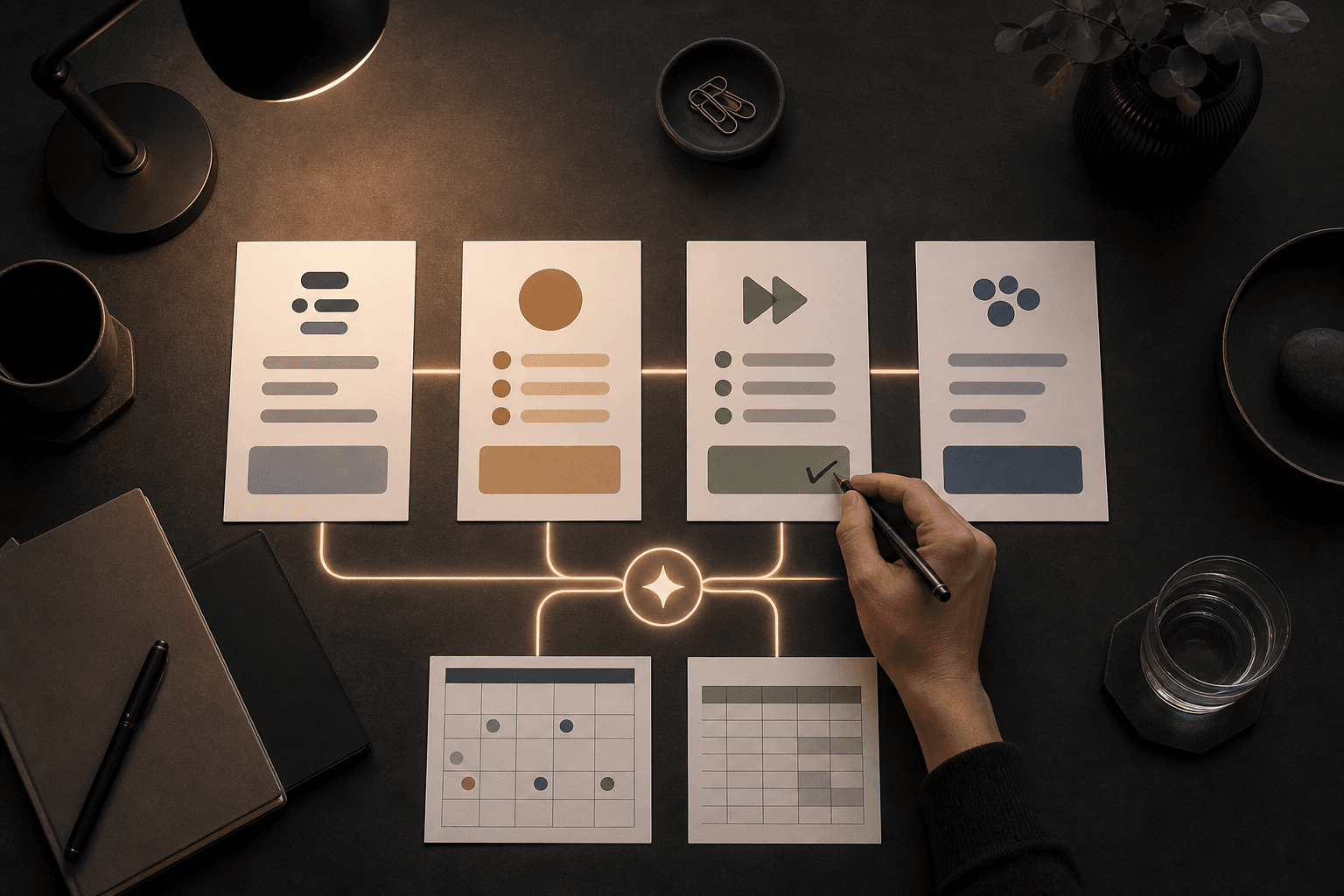
This sounds small, but it is the kind of AI feature that can change an ordinary workweek: AI notes are moving from "here is everything people said" to "what did we decide, what happens next, and who needs to do something?" For a small team, that is the difference between a tidy summary and work that actually moves.
Google Workspace wrote in its May Workspace Drop that several AI features are now generally available to Workspace customers: better AI voiceovers in Google Vids, faster structuring in Sheets, anomaly detection in Connected Sheets, secure guest accounts in Chat, and more controllable AI notes in Google Meet. In Meet, users can switch sections such as Summary, Decisions, Next Steps, and Details on or off during the call.
Source: May Workspace Drops: AI voiceovers, data analysis, flexible meetings, and secure chat
It is easy to stare at the shiny part. AI voices. Video. Multimodal models. For a restaurant with three people in the office, a solo consultant, or a school trying to keep staff meetings, student support and parent communication straight, the useful part is more grounded: meetings need to stop becoming blocks of text nobody reads.
Today's AI signal: the meeting needs a decision log
A decision log is a short, reviewed list of what the team decided, why, who owns the next step and when it should be checked. It does not replace formal minutes where formal minutes are required. It makes everyday meetings more usable.
When Google lets the user steer AI notes during the meeting, teams can be more demanding. You can say: "we do not need every detail from this sales meeting, but we do need decisions, risks and next steps." It sounds almost too simple. That is why it is useful.
Google has also moved Gemini deeper into Docs, Sheets, Slides and Drive. Google describes Gemini helping users create documents, structure spreadsheets, analyze data and use content from files, emails and chats. The same article says suggested edits in documents stay private until the user approves them.
Source: Reimagining content creation with Gemini in Google Docs, Sheets, Slides, and Drive
That last point matters. AI writing meeting notes is not the problem. The problem is when notes move on to customers, students, suppliers or internal systems before a human has said: "yes, this is actually our decision."
Why small teams should care
Large organizations often have project offices, CRM rules, case management and formal owners. Small teams often run on memory, chat, email, sticky notes and "I thought you had that." It works until the pace goes up.
AI notes can help, but only if you tell them what job to do. A normal meeting summary often becomes too long. It sounds competent, but three days later it is another document in Drive. A decision log is narrower:
- What did we decide?
- What is still unclear?
- Who owns the next step?
- Which source or customer conversation sits behind the decision?
- When do we check whether it happened?
This fits many small workflows. A shop can log campaign and stock decisions. A school can log staff-team decisions without mixing them with sensitive student details. A consultant can log client decisions after check-ins and stop hunting through three email threads later.
Google also lists customer examples where Workspace with Gemini is used across Gmail, Docs, Sheets, Meet, Drive, Chat, NotebookLM and Vids. The examples include email summaries, product copy, customer service and training material. The point for a small Nordic team is not to copy a large company's operating model. It is to choose one routine where AI helps close the administrative gap between a conversation and completed work.
Source: 128 ways our customers are using AI for business
Convert one meeting this week
Do not start with every meeting. Pick one recurring meeting where things often get lost. It might be Monday planning, sales follow-up, student support, a client project or the weekly operations meeting.
Give the meeting four outputs. Not twenty.
Decisions
Write only what the team actually decided. Not suggestions, not loose ideas. If something is a recommendation, mark it as a recommendation.
Next steps
Every next step should have an owner, a deadline and a first concrete action. "Fix the website" is not a next step. "Anna drafts three new homepage headlines by Friday" is a next step.
Open questions
This is where unresolved items go. Small teams save time when unclear things stop pretending to be decisions.
Sources and evidence
Link to the customer email, quote, calendar event, document or spreadsheet that supports the decision. If the source should not be shared widely, write a neutral reference and keep permissions narrow.
A 45-minute test
Do this before rolling AI notes out across the team.
Minute 0-10: choose the meeting
Pick a meeting that is already in the calendar. It should be real enough to matter, but not so sensitive that the first day becomes an information-security project.
Minute 10-20: write the fields
Create a simple document or spreadsheet with these fields: date, meeting type, decision, next step, open question, source, owner, deadline, status and follow-up date.
Minute 20-30: let AI draft the first version
Use the meeting notes, transcript or manual bullets. Ask AI to fill the template. Say clearly that uncertain items should go under open questions.
Minute 30-40: human review
One person checks the AI draft against what was actually said. Remove errors, assumptions and overstatements. It is better to log three solid decisions than fifteen half-ready points.
Minute 40-45: decide where the log lives
It can live in Google Sheets, Notion, Airtable, a CRM, a case system or a clear document. The important thing is that somebody knows where the next steps live.
Copy the prompt
Use this after an internal meeting. Replace the brackets.
You are my meeting editor. Do not write a long summary. Create a decision log that we can review and use.

Meeting type: [weekly planning/client meeting/student support/sales/other]
Participants and roles: [short list]
Material: [paste notes, transcript or bullets]

Reply in English with these headings:
1. Confirmed decisions
- Include only decisions that appear to have actually been made.
- Add "needs confirmation" if the decision is unclear.

2. Next steps
- Every item needs an owner, a deadline and the first concrete action.
- If owner or deadline is missing, write "missing".

3. Open questions
- List what still needs an answer.
- Do not mix questions with decisions.

4. Sources to check
- Point to the email, document, case, quote, calendar item or other source that should be checked before anything is sent onward.

5. Risk of misunderstanding
- Briefly say which parts you are least sure about and why.

Keep the tone direct and practical. Do not invent details. If the material is not enough, say so.
Three small flows worth testing
Client meeting to follow-up
After the meeting, AI creates a decision log. A human approves it. Then approved next steps move into the CRM or a simple task list. The client email is drafted only after review.
School meeting to work plan
AI helps separate decisions, open questions and next steps. Sensitive details stay in the right system. The part shared with the staff team is neutral and actionable.
Internal planning to Friday check
Every Monday, the team creates the decision log. On Friday, the same log shows what got done, what got stuck and what should move. It becomes a small routine, not a big transformation project.
Integrate safely without slowing everything down
You can connect AI to real systems without handing it the keys to the whole business. Start with read access where that is enough. Use environment variables or a secret manager for API keys. Use scoped permissions, meaning access only to the folder, view or table the workflow needs. Add redaction for sensitive fields, human approval before external messages go out and a simple audit log of what AI suggested and what a person approved.
This is Tool Forge work: not "AI everywhere", but a small chain where sources, decisions, tasks and approvals hang together. Mindset Forge helps the team choose the right meeting and the right rules. Skill Forge turns the routine into something repeatable once it has proved useful.
Start with one meeting. Not because it is harmless, but because one meeting is enough to see whether AI creates clarity or just more text.
FAQ
What is the difference between AI meeting notes and a decision log?
AI meeting notes often summarize much of the conversation. A decision log is narrower: confirmed decisions, next steps, owners, deadlines, open questions and sources to check.
Can a small team use this without a big CRM project?
Yes. Start in a document or spreadsheet. Once the routine works, connect it to a CRM, task list or case system with read access, scoped permissions, approval steps and simple audit logs.
Which meeting should we test first?
Pick a recurring meeting where decisions often get lost, such as weekly planning, client follow-up, a school staff meeting or an operations meeting. Do not start with the most sensitive meeting.
The Forge newsletter
Get new articles in your inbox
Pick the topics you care about. No noise, at most one email a week.
We follow GDPR. Unsubscribe anytime.


